Final Cut Pro
Final Cut Pro is now part of Apple Creator Studio, an amazing collection of Apple’s most powerful creative apps designed to...
- Apple M1 chip or later & Intel, 64-bit processor
- macOS 15.6 or later
Description
Final Cut Pro is now part of Apple Creator Studio, an amazing collection of Apple’s most powerful creative apps designed to help you bring your ideas to life. The suite includes Final Cut Pro, Logic Pro, Pixelmator Pro, Motion, Compressor, and MainStage — plus premium content and intelligence features in Keynote, Pages, Numbers, and Freeform*, all in one simple plan.
New Features
Powerful Intelligence
• Use Transcript Search to quickly find spoken words or phrases in your footage by searching for exact matches or using natural language descriptions
• Discover Visual Search, a fast and easy way to locate moments in your footage, including objects and actions, using natural language**
• Let Beat Detection analyze any song to reveal its bars and beats, enabling you to easily align your video edits to the music’s rhythm
Get Started Fast
• Dive into editing with a special demo project featuring the talented singer-songwriter Allie Sherlock, and explore the exciting new features of Final Cut Pro firsthand
• Accelerate your next edit with in-app guides on how to create a new library, import media, and add clips to a new timeline
• Elevate your videos with dynamic titles, add a personal flair with customizable graphic elements, and set the perfect pace with countdowns and timers
Overview
Final Cut Pro combines revolutionary video editing with powerful media organization and incredible performance to let you create at the speed of thought.
Revolutionary Video Editing
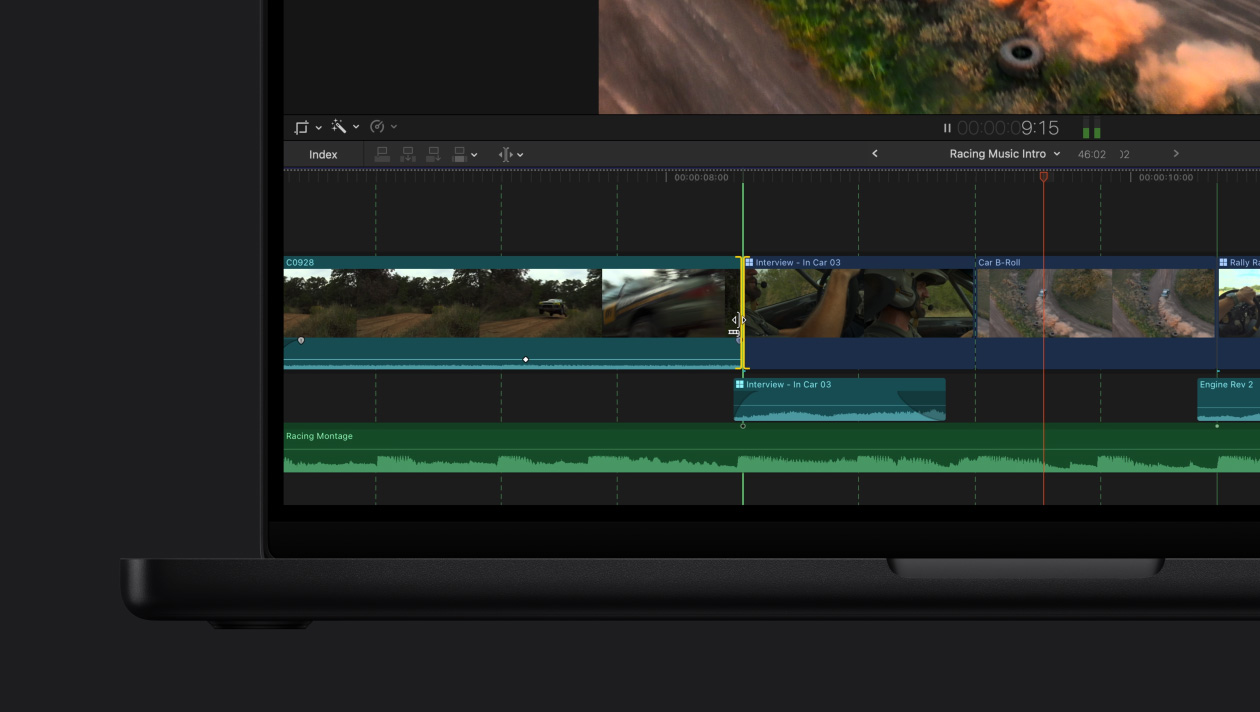
• The Magnetic Timeline uses advanced metadata and Clip Connections for faster, easier editing
• Transcribe to Captions uses AI to generate closed captions in the timeline by analyzing spoken audio
• AI-powered Magnetic Mask automatically tracks and isolates people, objects, and shapes in any footage
• Automatically transform projects for square or vertical delivery with Smart Conform
Powerful Media Organization
• Organize your work within libraries for efficient media management
• Apply custom keywo
Editor-checked details
Recommended for Mac video creators, YouTubers and small teams prioritizing editing speed, especially with ProRes, iPhone and Apple silicon workflows. Compare DaVinci Resolve Studio for cross-platform work and advanced grading, Adobe Premiere Pro for traditional industry collaboration, and add Compressor for batch delivery. Verified from Apple specs, support and release notes
Pros
- Deeply optimized for Apple silicon and ProRes; efficient Magnetic Timeline, proxies, multicam, HDR/wide color and roles; perpetual purchase; tight integration with Motion, Compressor and Apple-device workflows.
Cons
- Mac-only; 12.3 has a high OS requirement and some AI features exclude Intel; the Magnetic Timeline has a learning curve; cross-platform project exchange can be less direct, and plug-in updates may affect old projects.
Installation steps
- Final Cut Pro 12.3 requires macOS 15.6+, 8GB RAM (16GB recommended) and 6.5GB free space. Intel Macs need Metal-capable graphics; some intelligence features, including Generate Captions, require Apple silicon.
- Back up the current app and every library before installing or updating. Verify plug-in compatibility and media-disk capacity; keep media, cache and backups separate for large projects.
Uninstallation steps
- Record custom settings and back up Final Cut Pro libraries, Motion templates and required plug-ins. Quit, then move Final Cut Pro from Applications to Trash.
- Reinstall from the Mac App Store. Removing the app does not remove libraries, projects or media, but verify backups before manually deleting caches or libraries.
Common errors and fixes
- Won't launch or crashes: update macOS, Final Cut Pro and Pro Video Formats; disconnect unnecessary devices and check third-party plug-ins.
- For corrupted settings, quit, hold Command-Option while launching, and delete preferences; libraries and media are unaffected.
- If only one project fails, reproduce with a new library and test media to isolate media, library, drive-format or plug-in issues.
- For offline media/export failures, relink originals and check free space, permissions, codecs and destination format. Always back up libraries before updates.
What changed in this version
- Final Cut Pro 12.3 (June 30, 2026) adds Generate Captions (Apple silicon, U.S. English only), Auto Mask for isolating recognized objects, and a redesigned Match Color tool for unifying footage from different cameras and lighting.
Related apps






Alternatives


Screenshots