Escape Simulator 38287r
Escape Simulator is a first-person puzzler you can play solo or in an online co-op. Explore a growing set of highly interactive...
- Intel, 64-bit processor
- macOS 10.13 or later
소개
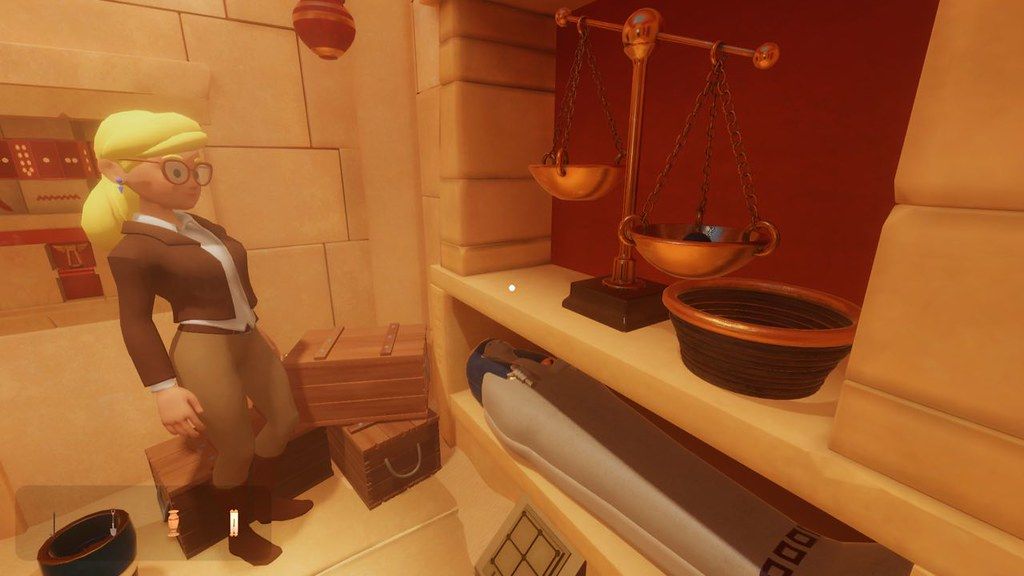
Escape Simulator is a first-person puzzler you can play solo or in an online co-op. Explore a growing set of highly interactive escape rooms. Move furniture, pick up and examine everything, smash pots and break locks! Supports community-made rooms through the level editor.
Interactive Puzzles: Rummage through 28 rooms filled with puzzles designed by real-life escape room operators. If something is not nailed to the wall, you can pick it up.
Online Co-Op: All the rooms are playable in an online co-op. We recommend to play built-in rooms with up to 3 players (but you’re welcome to play with more). Community rooms have been tested with up to 10 people. Customize your character and join with friends to work-out puzzles together. More heads are better than one!
Examine Everything: Read through books, examine ancient artifacts and find clues to riddles. Need to cross-reference a clue? No, problem – just pin it to the screen.
Community-Made Rooms: The game includes a room editor with which you can design your own escape rooms and puzzles. Through workshop integration, you get to play awesome things the community has created.
The rooms are arranged into packs:
Labyrinth of Egypt
“You and your mentor discovered the ancient Labyrinth of Egypt. By accident, he activated a
trap, and you got separated, with no way out in sight.”
Adrift in Space
“An explosion wakes you up. Your spaceship has been hit by debris, and you’re heading straight into the sun.”
Edgewood Mansion
“You were invited to attend a special dinner at Dr. Edgewood’s mansion. Instead of eating food, you’ll be solving a victorian mystery.”
Omega Corporation
“Your friend disappeared while investigating the mysterious Omega Corporation. Follow their tracks and uncover the truth.”
Extras
Escape Aperture Science Laboratories in a Portal themed room, find a way out of Santa’s Workshop, play with Cats in Time, visit a spooky Graveyard, a funky 70’s Room, escape Leonardo da Vinci’s workshop, find the






스크린샷