Logo Art
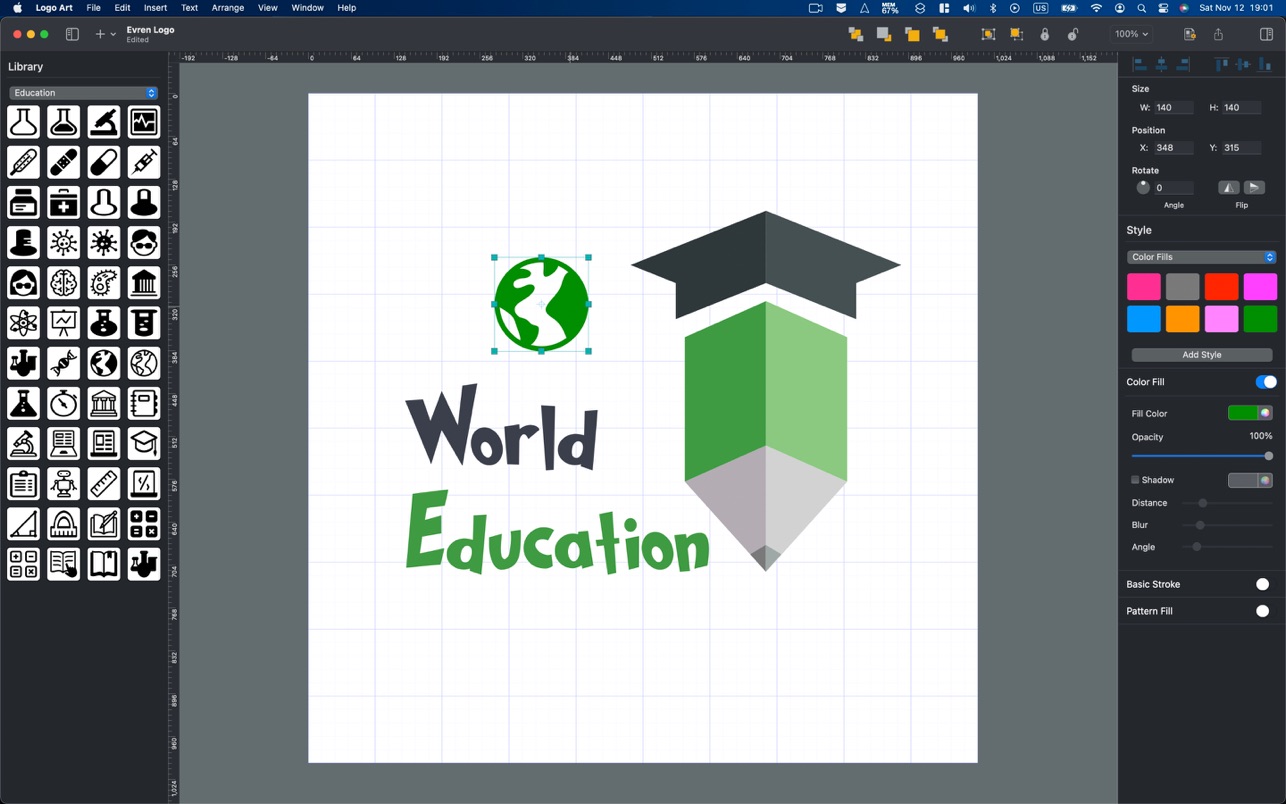
Logo Art is a beautifully designed easy to use vector drawing application to help you create inspiring vector logo graphics. Logo Art has...
Description
Logo Art is a beautifully designed easy to use vector drawing application to help you create inspiring vector logo graphics.
Logo Art has all tools, giving you power that let you draw any kind of shapes, technical illustrations, cricut prints and beautiful art.
Easy to use Logo Design Software with Vector Drawing Tools and Ready Design Elements.
Includes Ready icons, Design Elements, Shape Collections. Total 11 Shape Collections, more than 850 elements in various categories like animals, human, science, medical, education, symbols, plant and many more. Shape collections are updated regularly with new ones.
Features :
• Shape library ready design elements
• Ready Templates
• Cricut prints
• Export designs as Vector PDF, PNG, JPEG and TIFF files.
• Professional Drawing Tools.
• Bezier Pen Tool for creating custom shapes.
• Custom Shape Tools: Polygon, Star, Triangle.
• Path selection and editing.
• Fill and Stroke feature: Shapes can have unlimited fills and strokes.
• Shadows: fill and stroke shadow give your ideas even better look.
• Shape dimensioning feature.
• Rotate, Scale tool.
• Text Tools.
Styles :
• Copy and Paste Style.
• Apply multiple strokes, fills, shadows and patterns to any object.
• Delete existing stylem element or add new element.
Other Features :
• Simple and powerful interface, built for macOS.
• Lock, Unlock shapes and layers.
• Alignment Guides.
• Rulers pixels, inches, millimeters, centimeters.
• Snap to Grid, Guide and Other objects.
• Align and Distribute objects.
• Duplicate.
• Convert Text to Shape.
Make your own logo designs, cricut prints, vector sketches, concepts.
Logo Art is for you to create logo sketches and concepts with stylish templates and design elements which are already within the application. You are able to create beautiful graphic designs without any effort.
Lightweight and Useful Productive App for every fashion concept designer. If you have any ideas of feature requests, feel free to drop a message r
Editor-checked details
Recommended for Mac users who need fast logo directions, social avatars, stickers, cutting graphics or simple vector illustrations without a complex Adobe/Affinity workflow. Use this gate: define brand keywords and prohibited motifs; create a black-and-white silhouette on a blank canvas; standardise grid and key dimensions; minimise nodes; use only clearly licensed fonts and assets; test at small size, in one colour and on light/dark backgrounds; save live-text and outlined copies; export PDF and transparent PNG; verify in another editor and the target Cricut/print path; record approval, licences, SHA-256 and date. Move to Affinity Designer or Adobe Illustrator when trademark searching, a full identity system or professional prepress is required; compare Logoist for a more template-led logo workflow.
Pros
- It combines Bezier paths, primitive shapes, outlined text, multiple fills/strokes/shadows, layer locking, alignment and dimensions in a lightweight Mac interface. This suits quick logo sketches, stickers, simple technical art and Cricut graphics. Eleven collections with 850+ elements and ready templates lower the starting effort. Vector PDF preserves scalable paths, while PNG, JPEG and TIFF support web, presentation and ordinary print delivery. Rulers cover pixels and common physical units. Official compatibility covers Intel and Apple silicon, and the developer’s privacy label says the app collects no data, useful for local brand drafts.
Cons
- It is best for quick concepts and lightweight vector work, not a complete identity system or professional prepress suite. The interface is officially English-only, and complex paths, typography, colour management, spot colours, bleed, PDF/X, font preflight and large asset management are limited. Templates and stock elements require separate commercial/trademark licence checks and may produce designs resembling other users’ work. Multiple strokes, shadows, patterns and many nodes can reduce speed or PDF consistency across apps. “Cricut” does not guarantee every device, material or toolpath; proof in the device software. The privacy label is developer-reported and does not cover fonts, cloud drives, mail or delivery channels. Preserve standard exports and licence evidence, not only the proprietary project.
Installation steps
- The site build is Logo Art 1.0.5; the official requirement is macOS 10.14 or later. Do not start with the only brand master. Create a test document, set rulers in pixels, inches, millimetres or centimetres, and validate grid, guides, snapping, alignment and distribution. Test Bezier paths, polygon/star/triangle tools, text-to-shape, layer locking and multiple fills, strokes, shadows and patterns on one object. Before using the templates or 11 collections with 850+ elements, confirm that icon, font, pattern and template licences cover trademark registration, packaging and commercial print. Save an editable project, then export vector PDF and PNG/JPEG/TIFF. Inspect transparency, crop box, outlined text, colour space and enlarged paths in Preview or another vector editor. For Cricut or physical production, proof a simple geometric file and check units, closed paths, duplicate nodes, hairlines and import into the device software. Archive the project, licences, export settings, file size and SHA-256.
Uninstallation steps
- Before uninstalling, save every editable design as a project and export vector PDF, transparent PNG and purpose-labelled JPEG/TIFF copies. Archive the brand specification, canvas dimensions, grid, colour values, font names and licences, outlined-text copy, icon/template rights, layer order, fills/strokes/shadows, Cricut device settings, client approval and SHA-256. Verify in another app that PDF remains usable, PNG alpha edges are clean and fonts were not substituted. Quit Logo Art and remove the app; inspect containers, preferences, autosaves and caches for unique projects or custom assets before cleanup. Uninstalling does not revoke delivered trademarks, cloud copies, social avatars, print orders or Cricut projects; retire those separately under the client and brand retention policy.
Common errors and fixes
- For blank shapes or a selection tool that will not change, note that pre-1.0.5 history lists fixes in this area. Reproduce in a blank 1.0.5 document, relaunch, remove suspect styles, and retain a project copy plus minimal example if it persists. If fonts disappear or substitute on export, confirm user activation and embedding rights; duplicate the file and convert delivery text to shapes. For inaccurate rotation, scale or snapping, check object locks and whether a path or group is selected, standardise units, disable competing snaps and enter numeric values. If PDF appearance differs elsewhere, simplify multiple strokes, shadows and patterns, inspect transparency blending, and provide both flattened proof and editable PDF. For wrong Cricut dimensions or broken paths, inspect inch/mm units, closed/compound paths, duplicate nodes and hairlines. Version 1.0.5 supports print-page customisation: verify paper, orientation, scale and margins and create a PDF proof. For slowness, split complex objects, reduce stacked styles and isolate suspect fonts or templates.
What changed in this version
- The official Logo Art 1.0.5 note says background optimisations were made and the app is faster. It provides no affected modules, benchmark data or defect identifiers, so no additional change is inferred. Earlier history mentions blank-shape, selection-tool and print-page fixes; those are useful troubleshooting context but are not presented as new 1.0.5 work. This page remains pinned to the site build 1.0.5.
File verification






Alternatives


Screenshots