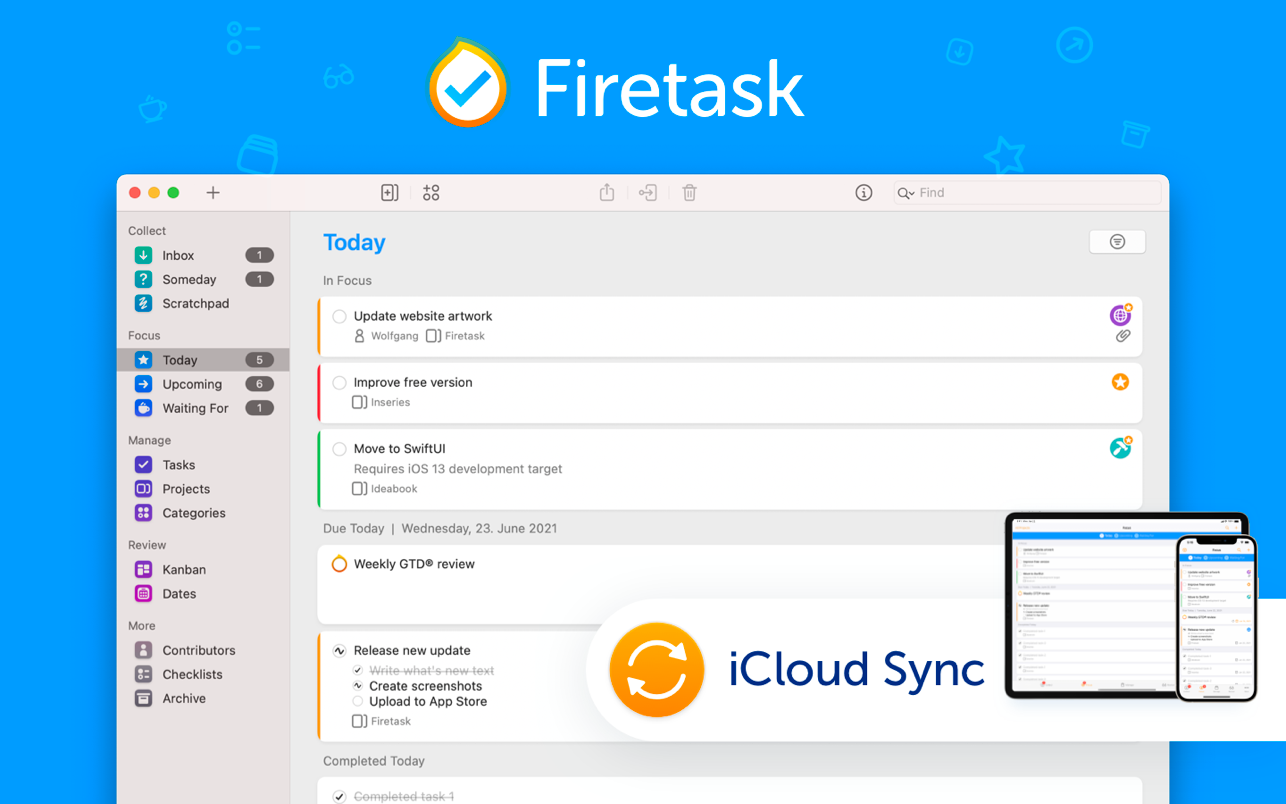
Firetask
Firetask empowers project-minded people to get things done efficiently.From capturing your thoughts and managing your to-dos to organizing ...
Description
Firetask empowers project-minded people to get things done efficiently.
From capturing your thoughts and managing your to-dos to organizing and focusing on your most important tasks, Firetask combines David Allen’s Getting Things Done (GTD®) approach with Kanban task management in a unique way.
GETTING THINGS DONE
If you don’t know how GTD works here are some of the basic concepts:
• Perform a “brain dump” — collect all your open issues and tasks in your “Inbox”
• Decide whether tasks are actionable, i.e., you want and can complete them yourself, whether you want to delegate them (Firetask provides a “Waiting For” list), or whether they are more of a “someday/maybe” thing
• Organize your actionable tasks into so-called “next action” lists (Firetask provides “projects” for this)
• Assign contexts to indicate, e.g., whether a task can only be done in a certain environment (e.g., you have to be “Home” to do clean up your house; we call this a “category”)
• Perform a weekly GTD review where you repeat steps 2-4 on a regular schedule in order to keep your trusted GTD task management system up-to-date
WHY USE FIRETASK?
Firetask provides a very logical implementation of GTD in a way that concepts such as the “Inbox” or “Someday” are implemented as task statuses; this way, categories (contexts) and project assignments can optionally be already associated within the Inbox and thus, making a task actionable only means changing its status to “Actionable”.
Although tasks do not have to be part of a project, projects are first class business objects in Firetask: they have their own statuses, you can organize them via “portfolios” (project folders) and you have full control over the order of tasks in a project. Successful project-oriented task management has never been easier.
Firetask comes with great, visual tools that help you with your weekly GTD review such as “Kanban” and “Dates” views. Simply use drag & drop to move tasks between statuses, categories, priorities
Related apps






Screenshots