CleanMyMac
Declutter your storage, remove malware, and manage your apps with CleanMyMac CleanMyMac is a Mac cleaner that goes...
- Intel, 64-bit processor
- macOS 11.0 or later
Description
Declutter your storage, remove malware, and manage your apps with CleanMyMac
CleanMyMac is a Mac cleaner that goes beyond basic cleaning. Tidy up your digital universe, neutralize malware threats, and optimize your Mac performance to achieve more. Get tidy with CleanMyMac.
KEY FEATURES
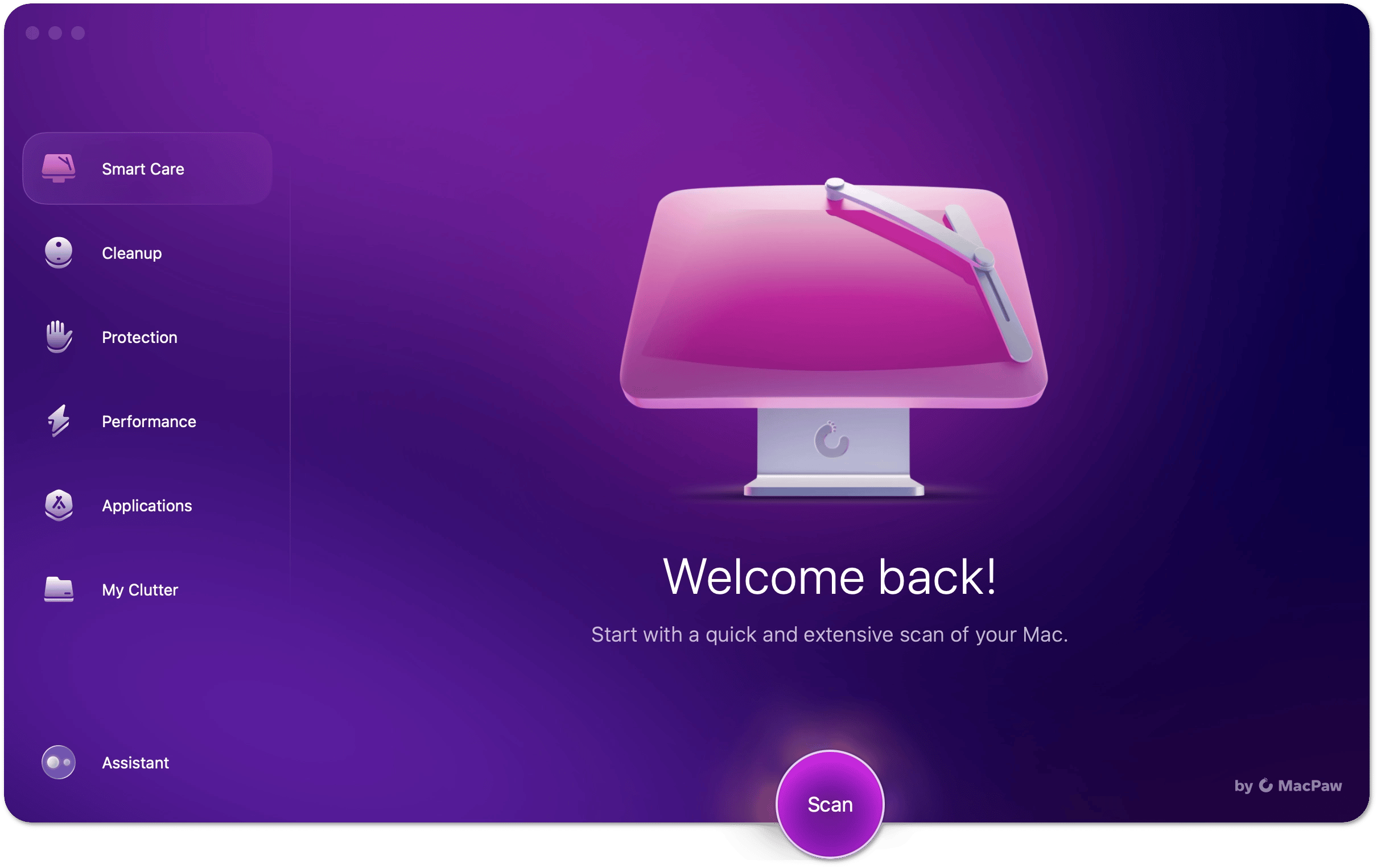
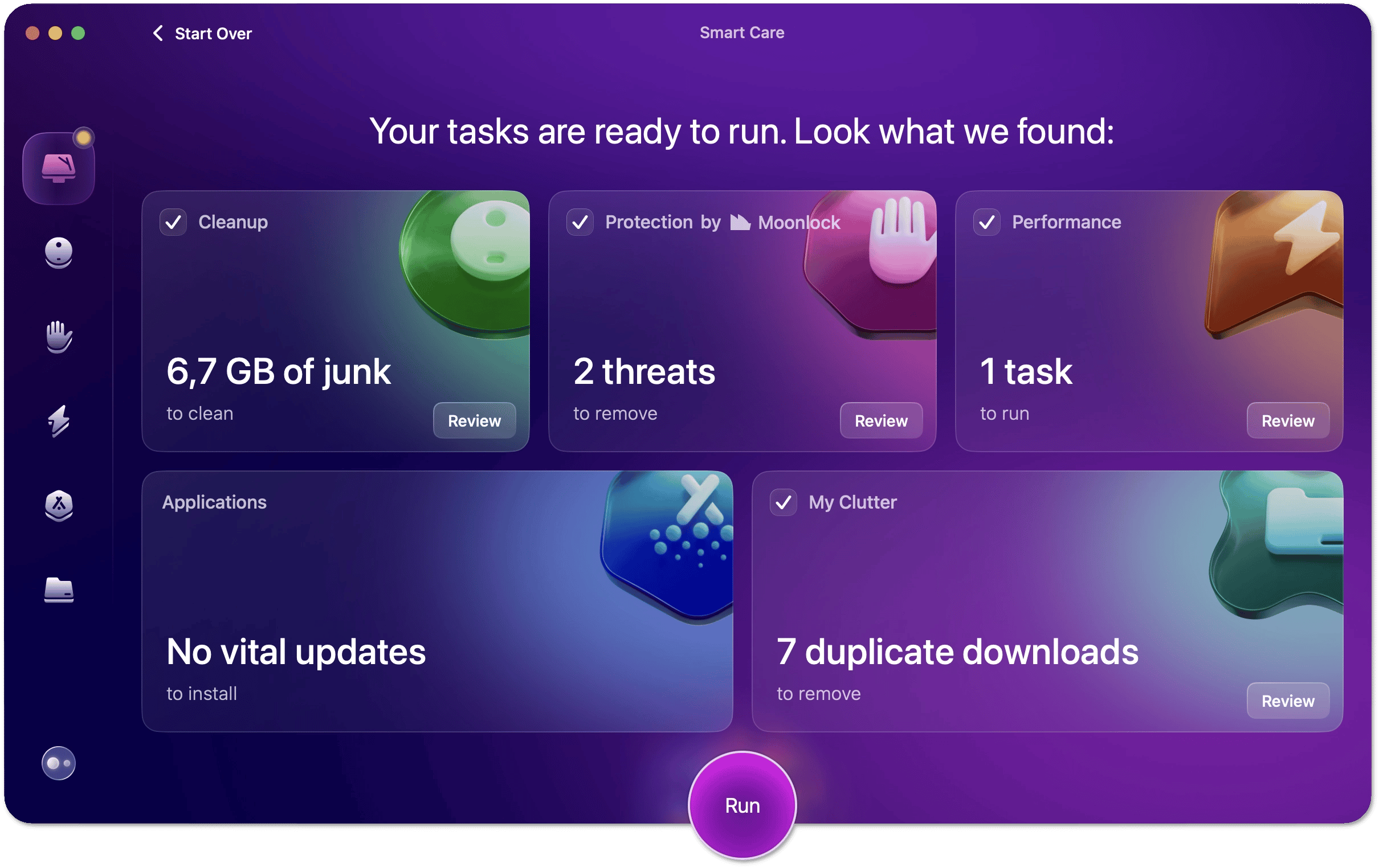
Smart Care
Your all-in-one Mac maintenance routine
Clean up Mac and remove malware threats
Update apps and declutter your Mac
Cleanup
Trim gigabytes of outdated system junk
Remove unneeded mail attachments
Free up space for important files & your favorite apps
Protection
Run a malware scan to find keyloggers, viruses, etc.
Neutralize all macOS threats, including the latest ones
Remove browsing history and cookies in all browsers
Performance
Disable login items that open on Mac startup
Manage processes and apps that run in the background
Applications
Uninstall applications, leaving no trace behind
Remove leftovers of apps removed long ago
Keep your apps up to date with the latest updates
My Clutter
Find and remove duplicate files and similar images
Trim large files that haven’t been opened for a long time
Remove old downloads to keep your digital space tidy
Mac Health Monitor
Manage memory load to help your Mac stay efficient
Check available space and reclaim storage
Monitor CPU and battery temperatures
WHY YOU SHOULD CHOOSE CLEANMYMAC
Notarized by Apple and completely safe to use on Mac
Over 29 million downloads & more than 16 years of experience
Regularly updated malware database
Intuitive & sleek interface that’s easy to use
Powerful cybersecurity tech that detects sophisticated threats
Smart Assistant that knows exactly what your Mac needs
WHAT’S NEW
Version 5.6.0:
• Release notes were unavailable when this listing was updated.
REQUIREMENTS
• Intel, 64-bit processor
• macOS 11.0 or later
ScreenShots
If you are using Adblocker!! Please support this website by adding us to your whitelist. Ads are what helps us bring you premium content! Or read
Editor-checked details
Best for users who want one visual workspace for storage cleanup, uninstalling apps, duplicate review, and basic malware checks. Treat it as an inspection and maintenance tool rather than a one-click speed booster: review details and keep a Time Machine or equivalent backup. Information was checked against MacPaw's official download and support pages; this is not labeled as a macv.net device test.
Pros
- Smart Care combines cleanup, protection, performance, app updates, and duplicate checks
- Selections can be reviewed before tasks run
- Includes uninstall, duplicate, large-file, and background-item tools
- Polished interface with extensive official documentation
Cons
- Full functionality requires a paid plan or license
- System cleanup uses elevated access, and careless selections may remove wanted data or settings
- Feature availability differs by marketplace
- Maintenance tools cannot replace hardware upgrades or proper fault diagnosis
Installation steps
- Download the DMG from MacPaw, open it, and drag CleanMyMac to Applications.
- Grant Full Disk Access only if you need the related features; macOS may request an administrator password for system-level tasks.
- Run Smart Care first and review every selected item before removal.
Uninstallation steps
- Quit CleanMyMac. Remove it with its built-in Uninstaller when available, or move the app to Trash.
- Disable menu, real-time protection, and background components first, then follow MacPaw's official removal guidance for leftovers.
- Deleting the app does not cancel a subscription; manage billing through the marketplace where you purchased it.
Common errors and fixes
- Missing scan results: verify Full Disk Access in System Settings > Privacy & Security, then reopen the app.
- Features differ by edition: the App Store build is sandbox-restricted and lacks some cleanup, maintenance, and updater capabilities found in MacPaw/Setapp builds.
- Always expand Review before cleanup, especially for developer files, mail attachments, browser data, and large projects.
What changed in this version
- This page lists version 5.5.6. MacPaw's official download page dates it to July 10, 2026; no itemized public release notes were found, so specific fixes are not inferred.
File verification
320 MB





Alternatives


Screenshots