LaunchBar
LaunchBar is an award-winning productivity utility that offers an amazingly intuitive and efficient way to search and access any kind of...
Description
LaunchBar is an award-winning productivity utility that offers an amazingly intuitive and efficient way to search and access any kind of information stored on your computer or on the Web. It provides instant access to your applications, documents, contacts, and bookmarks, to your music library, to search engines and more, just by entering short abbreviations of the searched item’s name.
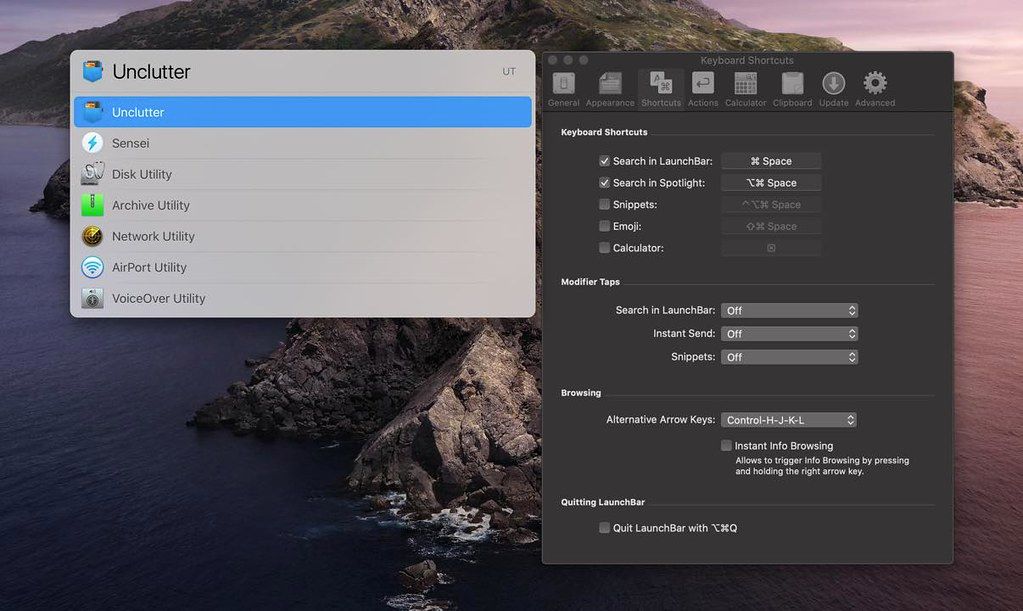
You just hit Command-Space to bring LaunchBar’s input window to front, enter an arbitrary abbreviation, and as soon as you start typing LaunchBar displays the best matching choices, ready to be opened immediately.
Start applications, open documents, invoke system services, compose emails, or navigate the Web — LaunchBar will be your essential servant.
WHAT’S NEW
Version 6.18:
Automatic Theme Switching
• Added automatic switching between a theme’s dark and light appearance based on the current system appearance.
• The desired theme appearance can be chosen in LaunchBar Settings > Appearance.
• In addition to automatic switching it’s still possible to choose a fixed dark or light appearance.
• The desired appearance can also be chosen in the LaunchBar window. Select a theme (either by browsing the Themes indexing rule or by selecting it directly via abbreviation search), then press Right Arrow (or Space) and choose either Automatic, Light or Dark.
• Added dark variants of built-in themes (except for the “Vintage” theme).
Improvements and Bug Fixes
• Improved appearance of sidebar in index window.
• Improved caching of applications index for better startup performance.
• Improved ranking of system applications when searching via abbreviation search.
• Fixed: Sending files to a shortcut (those created in the macOS Shortcuts app) didn’t work on macOS Ventura. This was caused by a bug in the Shortcuts API on Ventura, which no longer accepts multiple files or folders to be sent to a shortcut. As a consequence it’s currently only possible to send a single file or folder to a shortcut






Screenshots