sFTP Client
sFTP Client is a full-featured FTP/SFTP/FTPIS/FTPES/SSH client with a modern and easy to use interface. sFTP Client uses the most modern libraries and...
소개
sFTP Client is a full-featured FTP/SFTP/FTPIS/FTPES/SSH client with a modern and easy to use interface.
sFTP Client uses the most modern libraries and uses the latest technologies (after-all who would ever like an out-dated / old fashioned app), thats why we use the latest frameworks and latest modern designs.
Features :
• Sync Connections
• Standard FTP, FTP over TLS/SSL (FTPIS / FTPES) and SFTP.
• SSH Terminal (available on all SFTP connections), use SSH CLI when SFTP just doesn’t cut it
• Compare Directories
• Preserve Connection Logs
• Connections Notes
• Auto Updating Local Directory List
• Directory Status Bar (count files, folders and
size
– includes quick action buttons)
• Multiple & Large File Transfers (with speed and remaining time)
• Key File Login for SFTP / SSH Connections
• Drag & Drop Support (Uploads / Downloads)
• File Editor (Local & Remote)
• Keepalive Connections
• Synchronised Directory Browsing
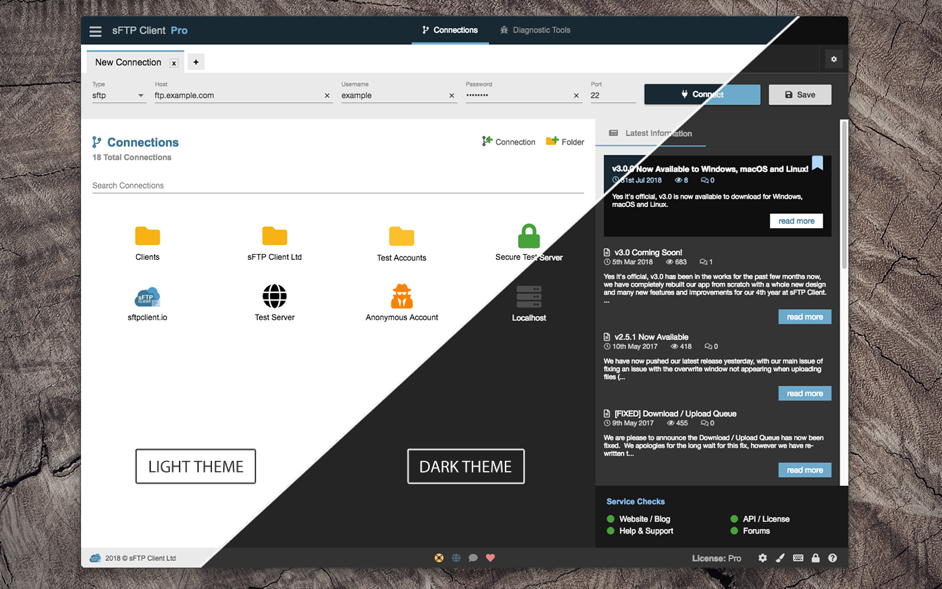
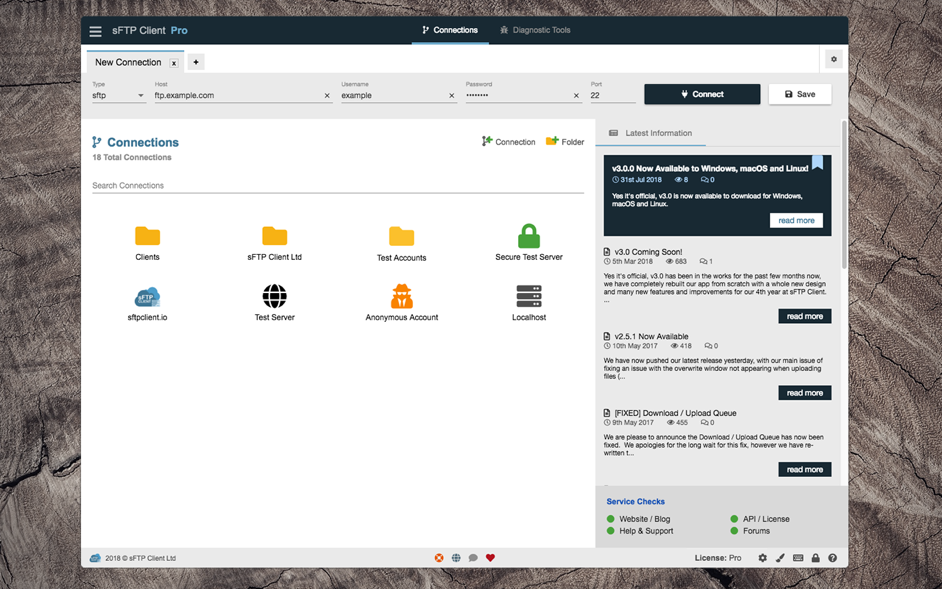
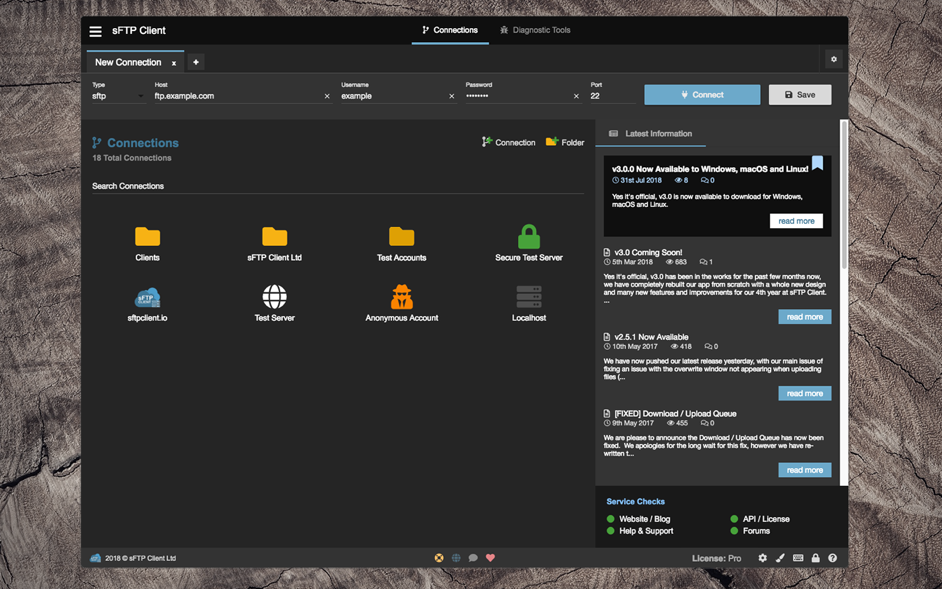
• Themes (Light / Dark + 6 colours, purple, pink, red, green, orange and blue)
• Multiple Connections
• Diagnostic Tools
• Port Forwarding
• Quick Connect
• Browse Local & Remote Folders by Path
• Rename & Delete Files (Local / Remote)
• Create New File / Directory (Local / Remote)
• Refresh Local and Remote Lists
• Sort and Resize Columns
• Multi-Select Files & Folders
• Editor Options: Tabbed Files, Customisation
• Transfer Queue (Queued files and folders, failed files and folders, completed files and folders)
• Connect to Remote (External) & Local (Internal) FTP / SFTP / SSH servers.
• Change File / Folder Permissions (By Checkbox or Value: e.g. 777)
WHAT’S NEW
Version 3.1.3:
Enhancements
• Folder dropdown for connections
• Timestamp on connection log entries
Fixes / Bugs
• Corrected an issue with Syncing connections
• Selection row background fix when using directory compare
• Fix when logging out of account
• Some dropdown were not responding
REQUIREMENTS
• Intel, 64-bit processor
• OS X 10.9 or later
ScreenShots
:
‹ ›
If you






스크린샷