VMware Fusion
VMware Fusion and Fusion Pro--the latest versions of its virtualization software for running Windows on a Mac without rebooting...
Description
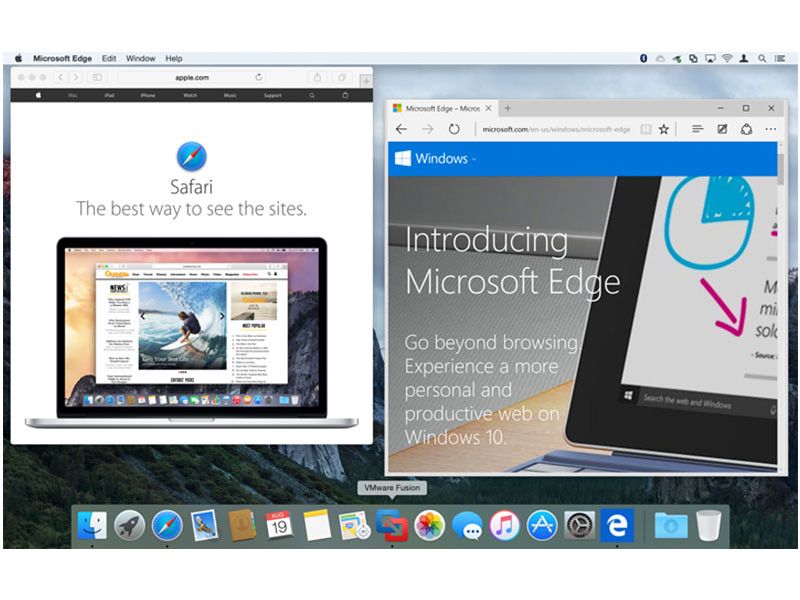
VMware Fusion and Fusion Pro–the latest versions of its virtualization software for running Windows on a Mac without rebooting– include full support for Windows 10, OS X El Capitan, and the latest Retina Macs, in addition to always-on access to Microsoft Cortana.
They support DirectX 10 and OpenGL 3.3 for up to 65% faster graphics, alongside compatibility with USB 3.0 and multiple monitors with different DPIs. The virtual machine platform also delivers full 64-bit support with up to 16 vCPUs, 64GB RAM, and an 8TB hard drive for a single virtual machine.
Fusion and Fusion Pro are optimized for the latest Macs, including the iMac with Retina 5K Display and 12-inch MacBook. DirectX 10 support enables Mac users to run Windows virtual machines with native resolution on a 5K display, with USB-C support and Force Touch pass-through also in tow for the latest MacBooks.
Fusion 8 Pro has additional advanced features and improvements, including the ability to connect to VMware vCloud Air, IPv6 support for both bridged networks and IPv6-to-IPv4 Network Address Translation (NAT), improved integration with VMware vSphere and support for several new Linux distributions and other operating systems.
WHAT’S NEW
Version 13.5:
• New Security Enhancement — This release introduces a new security enhancement by providing an improved encryption scheme (XTS instead of CBC) for maximum protection with a reduced performance overhead. For more information, see https://kb.vmware.com/s/article/93071. This release resolves CVE-2023-34044, CVE-2023-34045, and CVE-2023-34046.
For more information on these vulnerabilities and their impact on VMware products, see VMSA-2023-0022.
• Download and Install Windows 11 guest operating system on an Apple Silicon Mac — You can now download and install Windows 11 as a guest operating system from the Fusion user interface on an Apple Silicon Mac.
• Import and Export Virtual Machines with vTPM device — You can now import or export a virtual machine with a






Screenshots