Stats Panel
A macOS system monitor on your menubar. Stats Panel is a great control panel for your Mac. Monitor your system, review battery health ...
Description
A macOS system monitor on your menubar. Stats Panel is a great control panel for your Mac. Monitor your system, review battery health, processor, memory, network and disk activity.
Simple
A system monitor on your menubar. No complicated menus or configuration.
Lightweight
Stats Panel uses very little system resources and reports own memory usage. Activate low animation mode to reduce the footprint even further. Only 2.2 MB on disk.
Focused
A system monitor that focuses on system monitoring. Stats Panel shows you the stats you need when you need them. No bloatware or unnecessary bundled software.
Stats & Features :
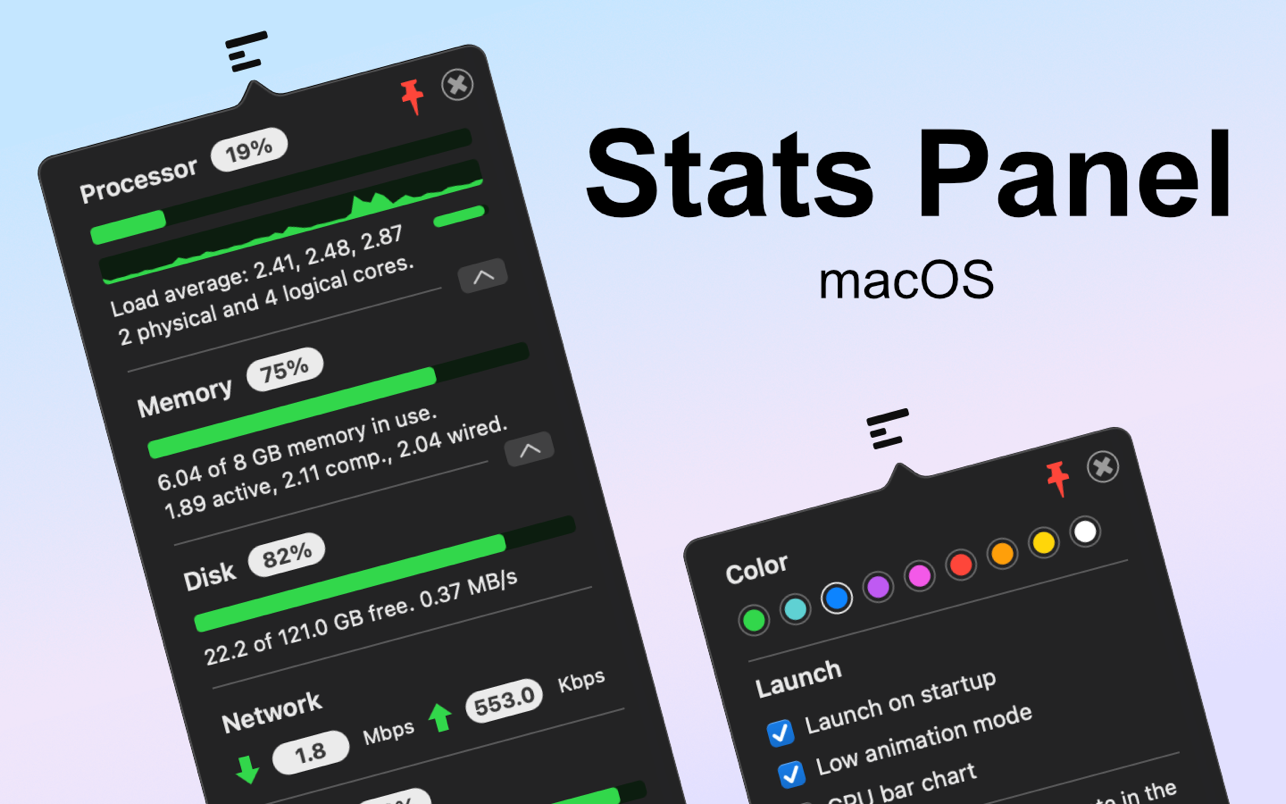
• CPU monitor (Percentage, timeline, load average & core count)
• Memory monitor (Percentage, totals and type counts)
• Disk usage (Percentage, totals and read-write speed)
• Network monitor (Upload and download speeds)
• Battery health (Percentage, estimated remaining, cycles & health)
• Customisable colours
• Launch on startup option
• Low animation mode to save power
• Pin system monitor
WHAT’S NEW
Version 1.3.0:
• Fixed disk read/write indicator
• Fixed minor animation bug
• Removed old code
REQUIREMENTS
• Intel, 64-bit processor
• macOS 11.0 or later
ScreenShots
If you are using Adblocker!! Please support this website by adding us to your whitelist. Ads are what helps us bring you premium content! Or read this to know how you can support us. Thank you!
Size
– 3.1MB
Previous Versions






Screenshots