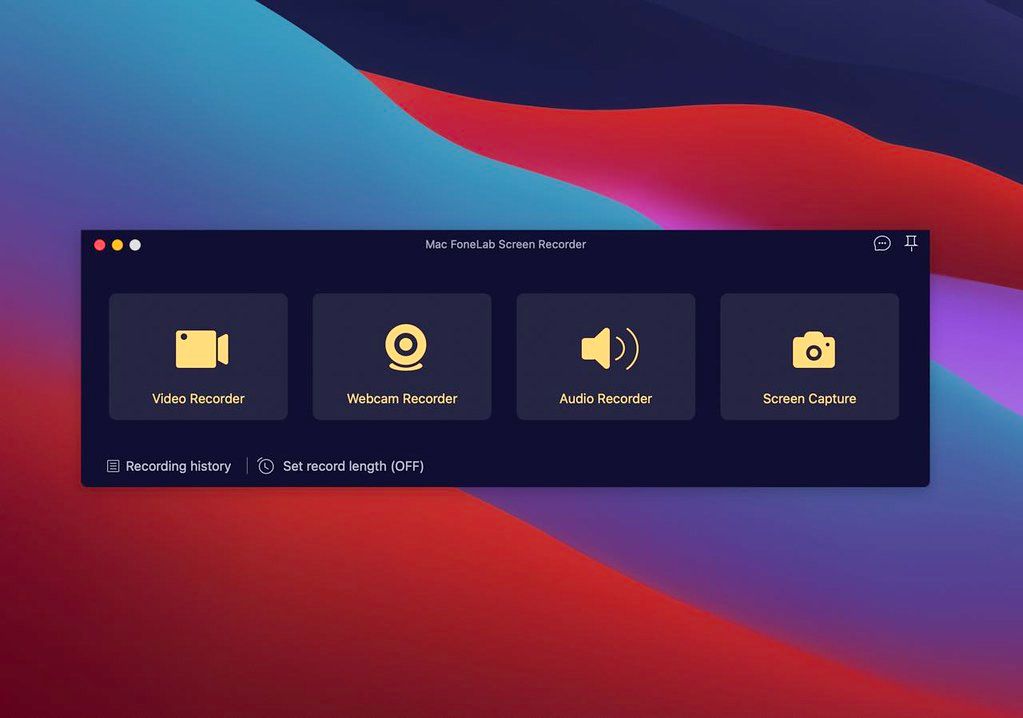
Mac FoneLab Screen Recorder
If you want to record meetings, movies, calls, tutorials, TV shows, songs, take snapshot or others, FoneLab Screen Recorder can help you ...
Description
If you want to record meetings, movies, calls, tutorials, TV shows, songs, take snapshot or others, FoneLab Screen Recorder can help you do it within a few clicks.
Area Selection
Choose recording or capture area and lock the recording area.
Choose Format
Select video or audio format.
Record Offline
No internet connection required during the recording process.
Edition Available
Add text, arrow, line and other drawing panels on the videos or snapshots.
Record History
Access record history easily.
Around Mouse
You can choose full screen or customized
size
.
Record Quality
High-quality video, audio and image.
Shortcut
Set hotkeys to start/stop/open or close webcam etc.
WHAT’S NEW
Version 2.1.20:
• Release notes were unavailable when this listing was updated.
REQUIREMENTS
• Intel, 64-bit processor
• OS X 10.10 or later
ScreenShots
If you are using Adblocker!! Please support this website by adding us to your whitelist. Ads are what helps us bring you premium content! Or read this to know how you can support us. Thank you!
Size
– 36.3MB
Previous Versions






Screenshots