Liquid
The Author word processor provides a minimalist visual environment with powerful controls...
Description
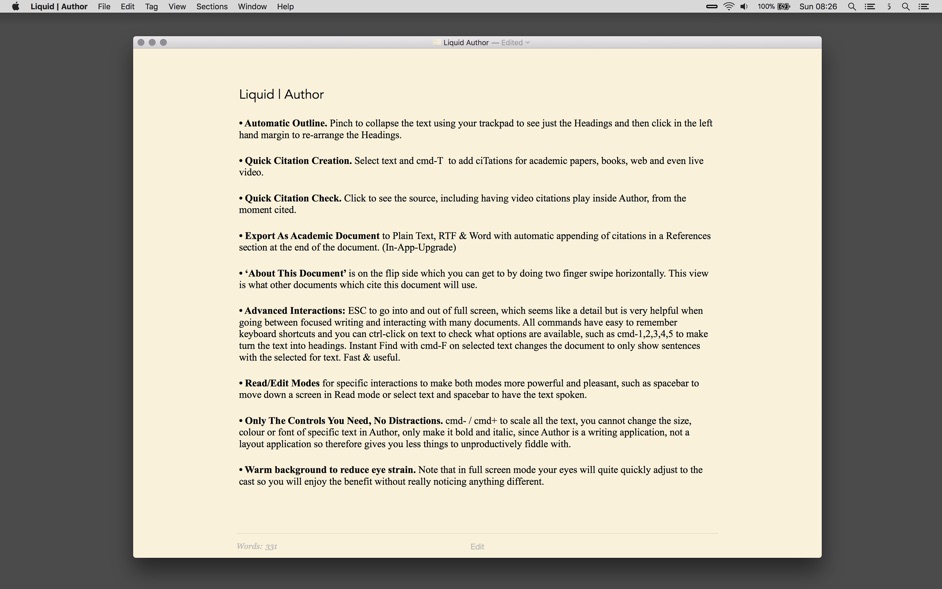
The Author word processor provides a minimalist visual environment with powerful controls:
• Automatic Outline. Pinch to collapse the text using your trackpad to see just the Headings and then click in the left hand margin to re-arrange the Headings.
• Quick Citation Creation. Select text and cmd-T to add ciTations for academic papers, books, web and even live video.
• Quick Citation Check. Click to see the source, including having video citations play inside Author, from the moment cited.
• Export As Academic Document to Plain Text, RTF & Word with automatic appending of citations in a References section at the end of the document. (In-App-Upgrade)
• ‘About This Document’ is on the flip side which you can get to by doing two finger swipe horizontally. This view is what documents which cite this document will use.
• Advanced Interactions: ESC to go into and out of full screen, which seems like a detail but is very helpful when going between focused writing and interacting with many documents.
All commands have easy to remember keyboard shortcuts and you can ctrl-click on text to check what options are available, such as cmd-1,2,3,4,5 to make turn the text into headings. Instant Find with cmd-F on selected text changes the document to only show sentences with the selected for text. Fast & useful.
• Read/Edit Modes for specific interactions to make both modes more powerful and pleasant, such as spacebar to move down a screen in Read mode or select text and spacebar to have the text spoken.
• • Only The Controls You Need, No Distractions. cmd- / cmd+ to scale all the text, you cannot change the
size
, colour or font of specific text in Author, only make it bold and italic, since Author is a writing application, not a layout application so therefore gives you less things to unproductively fiddle with.
• Modern Architecture including auto saving and everything else you would expect from a modern, native macOS application including iCloud Drive (sync with Author iOS in th
Related apps






Screenshots