KPlayer
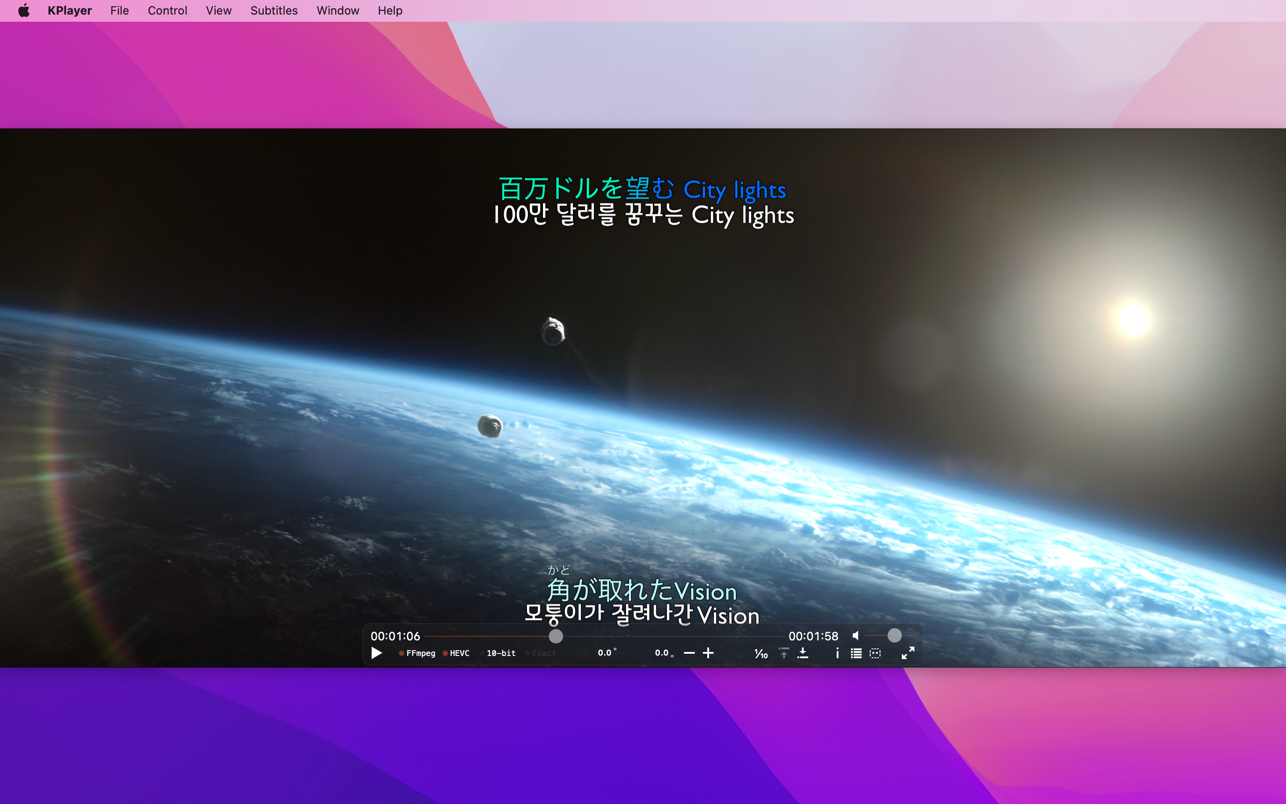
KPlayer is a video playback app with subtitle support. It can also play 720p, 1080p video files better smoothly if 'H.264 hardware...
Description
KPlayer is a video playback app with subtitle support. It can also play 720p, 1080p video files better smoothly if ‘H.264 hardware acceleration’ is supported.
H.264 hardware acceleration support:
• requires a Mac with an NVIDIA GeForce 9400M or GeForce 320M or GeForce GT 330M GPU
• when most MP4, MOV, M4V video files (encoded in H.264/AAC) are played
Subtitles support:
• SMI, SRT
• a subtitle file be in the same folder, same name with a video file and it’s extension be ‘smi’ or ‘srt’
• if you have installed ‘Perian’, turn off Perian’s ‘Subtitle Options’
• internal subtitles of MKV files are not supported
• Perian’s subtitle features are not supported
Playlists support:
• it is automatically made up of video files that have similar names in the same folder
Playback speed settings support:
• click the right mouse button at left or right areas of the video playing window
Continued playing support:
• replay the most recently opened video file that was not played to the end
• click the play button or menu after executing KPlayer
Move to Trash support:
• move currently opened files(videos and subtitles) to Trash
• if there are playlists, it is enable at playing the last video file of playlists
Save as QuickTime Movie support:
• save the currently opened video file as QuickTime Movie
• it is very quickly because an audio track is only converted and a video track is passed
• if MP4 or MOV or M4V is opened, it is enable under turning off ‘H.264 Hardware Acceleration’
• if MKV is opened, it is enable after loading is done
Playable default types:
• MP4, MOV, M4V
Playable optional Types:
• AVI, MKV
• Requires the installation of Perian (QuickTime Component)
WHAT’S NEW
Version 2.2.0:
• Requires macOS 10.13 or later.
• Updated FFmpeg libraries.
• Added ±10 seconds to subtitles sync.
• Click ‘Sync +10.0’, ‘Sync -10.0’ on ‘Subtitles’ menu.
• Or hold down ⌘ and click ‘+’, ‘-‘ icons on the control bar.
• Optimized portrait(vertical) video playback.
• Im
Related apps






Screenshots