Keyboard Maestro
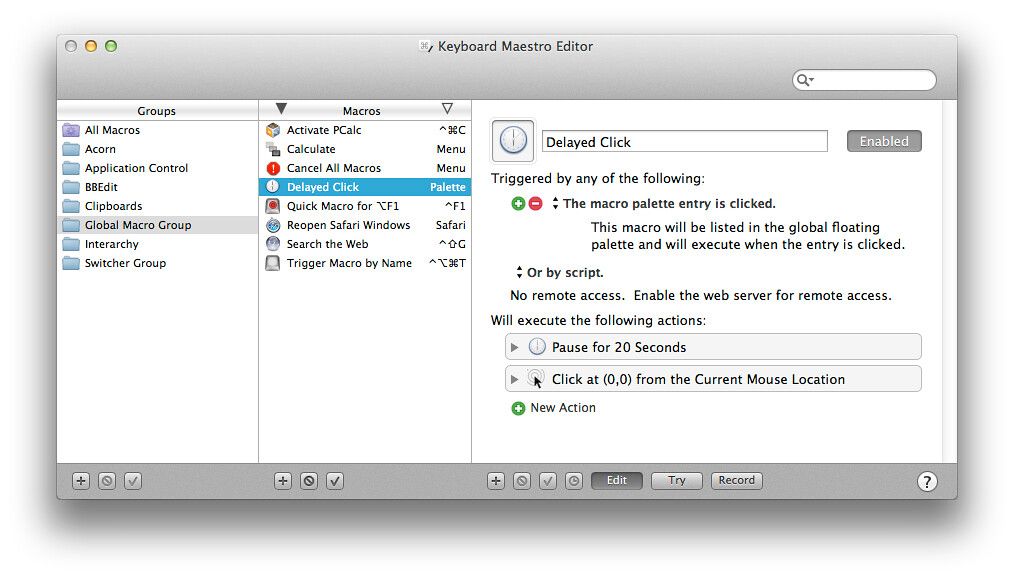
Keyboard Maestro is your hot-key solution that allows you to perform a multitude of tasks simply by pressing a keystroke! It also ...
Description
Keyboard Maestro is your hot-key solution that allows you to perform a multitude of tasks simply by pressing a keystroke! It also incorporates the wildly popular MacOS Classic utility Program Switcher, which allows you to launch, switch, and quit applications with a simple keystroke.
Features:
• Macro
• Program and window switcher
• Clipboard switcher
• Clipboard history switcher
WHAT’S NEW
Version 11.0.2:
• Resolved an issue Display Large Text action stealing focus in Sonoma.
• Worked around an issue when setting window position and
size
when the system is animating the changes and gets confused.
• Fixed the Alert action to honor the Set Next Engine Window Position action. (forum)
• Resolved an issue with keys in the status menu not being handled for a period of time after the Status Menu is opened.
• Resolved an issue with Set Variable to Text action and arrays within tokens. (forum)
• Set Variable to Text action will error if it is setting an indexed element and the index is out of range. (forum)
• Resolved a performance issue with the %FrontDocumentPath% token in the editor.
• Possibly resolved an issue with USB Device Key triggers when lots of 0 packets are sent by the device.
• Fixed an issue with the non-edit display of OCR languages.
• Fixed an issue with non-integer screen refresh rates.
REQUIREMENTS
• Intel, 64-bit processor
• macOS 10.13 or later
ScreenShots
:
If you are using Adblocker!! Please support this website by adding us to your whitelist. Ads are what helps us bring you premium content! Or read this to know how you can support us. Thank you!
Size
– 37.2MB
Previous Versions






Screenshots