iToolab iMute
Turn off iPhone Camera Sound with Hard CodeWanna Get Rid of the Shutter Sound?Muting the camera is necessary both in the classroom and in ...
Description
Turn off iPhone Camera Sound with Hard Code
Wanna Get Rid of the Shutter Sound?
• Muting the camera is necessary both in the classroom and in meetings.
• Taking selfies in a quiet environment, the loudly shutter sound means you’ll get a lot of awkward glances.
• Anyone who has bought an iPhone in Japan or Korea knows that all cameras make a sound when taking pictures.
• When shooting wild animals, we don’t want to make any sound, including the camera shutter.
Remove Shutter Sound Without Muting
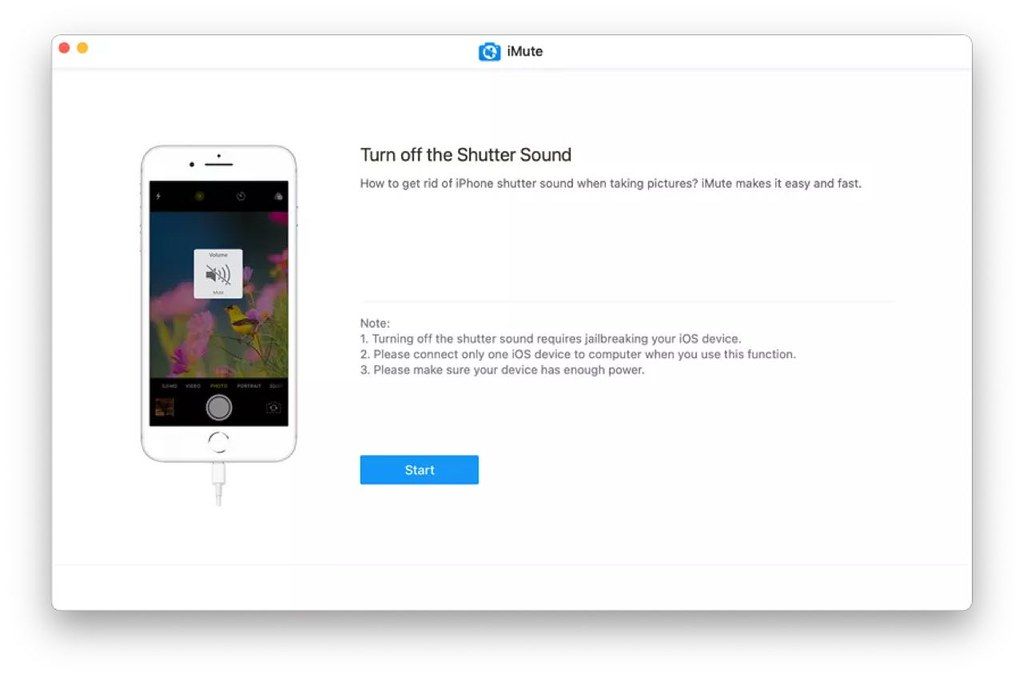
Have you bought a refurbished iPhone from Japan? Want to remove the forced shutter sound? iMute is an iPhone camera noise reduction tool that allows you to remove the shutter sound and turn off
screenshot
sound on iPhone.
3 Steps to Turn iPhone Camera Sound Off
Use iMute to switch off hard-coded iPhone camera sound without any skills.
Step 1. Connect your iPhone – Connect your iPhone to the computer and launch iMute.
Step 2. Jailbreak your iPhone – Follow the iMute Instruction to jailbreak your iPhone within 10 minutes.
Step 3. Remove the sound – Click “Remove” to complete the process in just a few seconds.
Supported Devices & iOS
iPhone 5s – iPhone X iOS 12.0 or later
WHAT’S NEW
Version 1.5.0:
• Release notes were unavailable when this listing was updated.
REQUIREMENTS
• Intel, 64-bit processor
• OS X 10.10 or later
ScreenShots
If you are using Adblocker!! Please support this website by adding us to your whitelist. Ads are what helps us bring you premium content! Or read this to know how you can support us. Thank you!
Size
– 9.4MB






Screenshots