Gear.Club Stradale
Gear.Club Stradale is a dream come true: taking a long vacation in a gorgeous villa with all the time in the world to drive the...
- Intel, 64-bit processor
- macOS 12.0 or later
Description
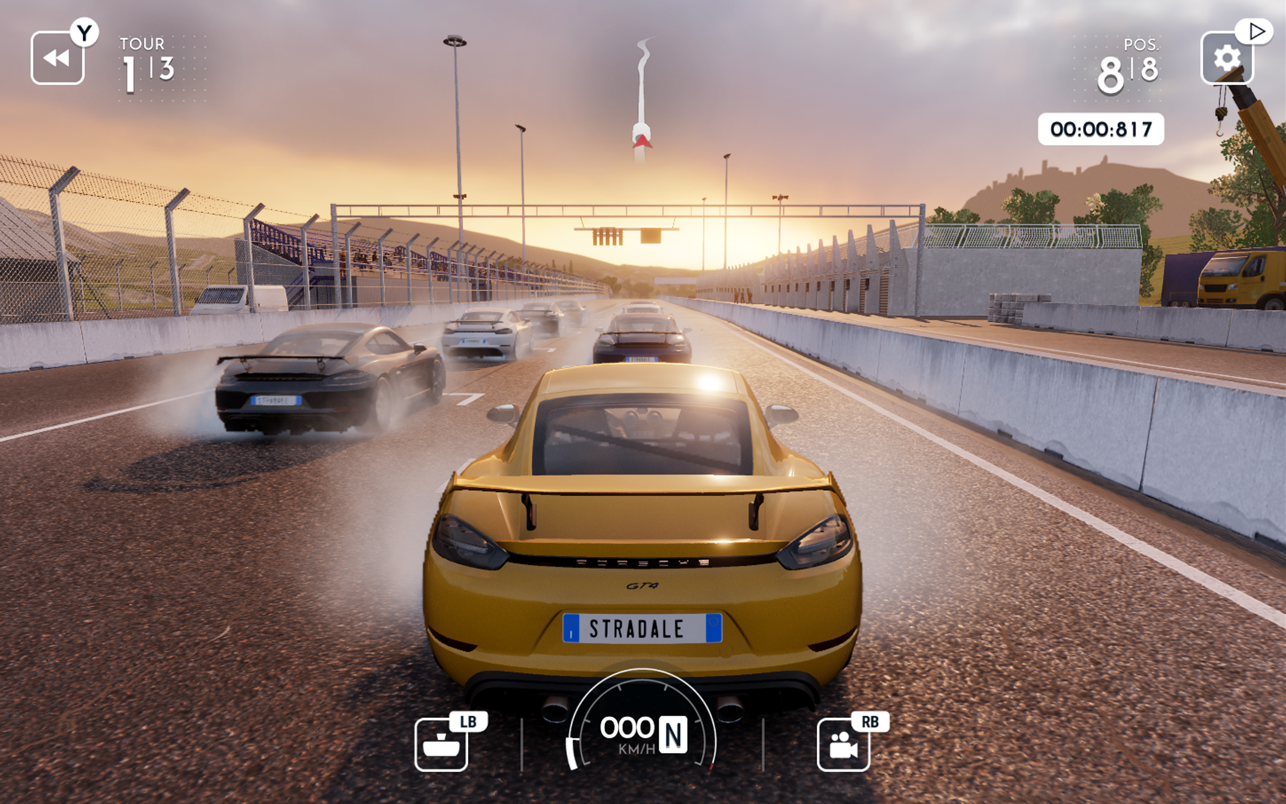
Gear.Club Stradale is a dream come true: taking a long vacation in a gorgeous villa with all the time in the world to drive the most beautiful supercars.
• Gather your friends and start your own club in the breathtaking region of Tuscany, Italy.
• Cooperate with your friends in daily, weekly, and monthly exclusive content to build your dream car collection!
• Build and improve your Club’s workshops to enhance your car’s performance and customize your vehicles.
• Defend your Club in worldwide competitions and reach the highest rankings
• Unlock new content through your progression and achievements.
• Experience the best car-handling on mobile devices thanks to intelligent, real-like driving assistances that guarantee high accessibility.
This is a trip you’ll never want to end…
WHAT’S NEW
Version 1.32.0:
• New Car & Carta Stradale
REQUIREMENTS
• Intel, 64-bit processor
• macOS 12.0 or later
ScreenShots
If you are using Adblocker!! Please support this website by adding us to your whitelist. Ads are what helps us bring you premium content! Or read this to know how you can support us. Thank you!
•
Size
– 3.55GB
Previous Versions
Editor-checked details
Recommended for players who enjoy adjustable assists, supercar collecting, club cooperation and rotating events. Calibrate steering, assists and controller in a loaner/low-cost race, then concentrate upgrades on one versatile car; reserve rare currency for a measured performance bottleneck. Confirm sync before entering club and Carta content. Safe order: backup; 1.32.0/SHA-256; tutorial; short race; save reload; club; Carta; car upgrade; Game Center.
Pros
- Tuscan roads and the villa/club theme give the racer a clear atmosphere. Intelligent driving assists lower the entry barrier while upgrades, tuning and car collecting provide progression. Daily, weekly and monthly content, club cooperation and global rankings create recurring goals. Game Center, achievements and mainstream controllers are supported. All five site languages are official, and the Apple Arcade edition has no ads or in-app purchases.
Cons
- Progress depends heavily on internet, Apple Arcade, clubs and rotating events, limiting offline play or players seeking only solo free driving. Upgrade/resource loops can become repetitive and performance gaps encourage grinding. Users have reported blank club screens, slow loading, stutter, material and exit faults; the brief 1.32.0 note cannot prove those are all fixed. With no chip matrix, 3D frame rate must be checked on each Mac.
Installation steps
- This page covers Gear.Club Stradale 1.32.0. Apple’s Mac listing requires macOS 12.0 or later, lists about 3.1 GB, and supports Game Center, achievements and compatible PlayStation, Xbox and MFi controllers; it supplies no Intel/Apple-silicon matrix. Allow extra space for extraction/cache. Back up Apple Arcade/Game Center, club, garage, upgrades, workshop, currencies, Carta progress, events and control settings, then record 1.32.0/SHA-256. First use the tutorial and a short race to validate steering, braking, assists, graphics, audio and controller input, then check club sync, a car upgrade and save reload after restart.
Uninstallation steps
- Before uninstalling, finish the race, return to the villa/menu and wait for race rewards, car upgrades, club ranking and Game Center to sync. Do not force-quit during results, purchase, upgrade or a save indicator. Record club, garage, performance levels, workshop, currencies, Carta, season/event state, 1.32.0/SHA-256 and Apple ID. After reinstalling, use the same account, finish a short race and restart to verify persistence before upgrading a car or entering long events. Preserve the only working install while cloud state is uncertain.
Common errors and fixes
- If club creation/joining leaves a blank screen, verify network, Arcade and Game Center login, return to the title screen and reconnect; do not repeatedly create clubs. If cars/progress disappear, stop upgrades and spending, then compare Apple ID, club and cloud/local timestamps. For low FPS, stutter or pink materials, lower resolution/quality, close background apps, disconnect extra displays and restart; meeting the macOS requirement does not guarantee identical results on every chip. For controller failure remove unrelated USB pads and re-pair in macOS. If races stall progression, tune assists, braking points and performance rating before spending rare currency.
What changed in this version
- The official 1.32.0 history is dated February 18 and says only “New Car & Carta Stradale.” It names no specific model and claims no club, graphics, save or performance fix, so none is inferred. Acceptance covers the displayed version, new Carta entry, car catalog/test drive, race results, club sync and save reload.
File verification






Alternatives
Screenshots