Frame Grab
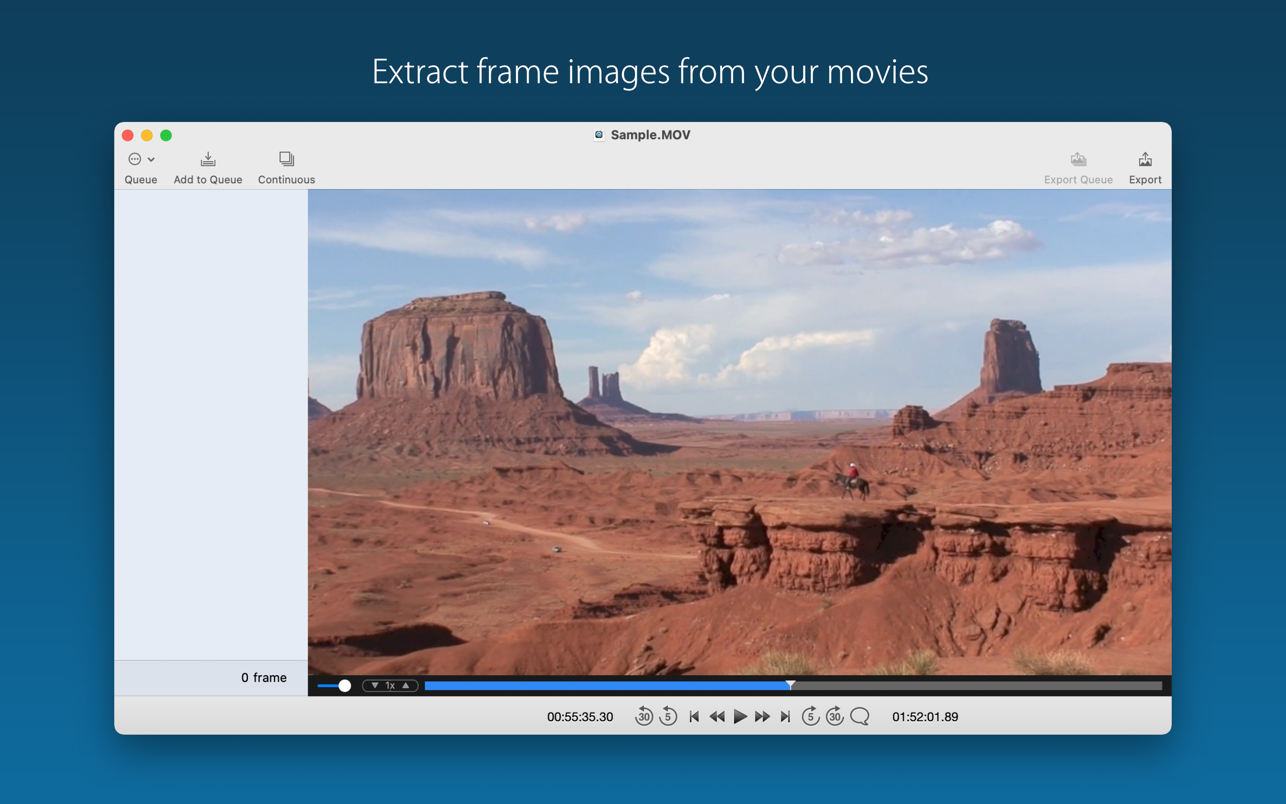
Frame Grab provides you to export frame images as JPEG, PNG or TIFF file format from your movies very easily. You can export one-by-one ...
Description
Frame Grab provides you to export frame images as JPEG, PNG or TIFF file format from your movies very easily. You can export one- by-one, or can export multiple frames from the queue at a time.
To open movies
Choose File > Open and select the movie file(s). Or drag the file(s) to the Frame Grab application icon.
To add frame images temporarily to the queue
• drag and drop the frame from the video screen to the side bar queue area.
• using continuous grabbing function.
For more information, please see the User Guide in Frame Grab website.
Supported Formats
• QuickTime movie (mov)
• MP4 file (mp4, m4v)
• But the app cannot open/play the following files.
• Files which QuickTime Player cannot open
• Files which require any conversion or codec components in QuickTime Player
• Protected video/audio files (e.g. Movies, TV Shows downloaded from iTunes Store or TV app)
WHAT’S NEW
Version 2.59:
• Usability improvements
• Internal code improvements
REQUIREMENTS
• Intel, 64-bit processor
• macOS 10.15 or later
ScreenShots
If you are using Adblocker!! Please support this website by adding us to your whitelist. Ads are what helps us bring you premium content! Or read this to know how you can support us. Thank you!
Size
– 2.9MB
Previous Versions
Related apps






Screenshots