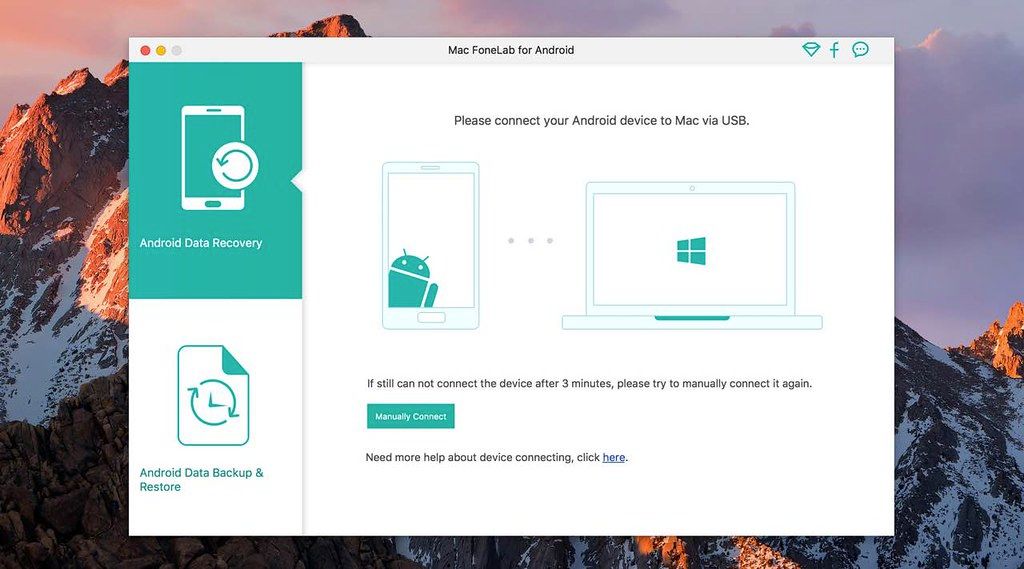
FoneLab for Android
Best Android Data Recovery software to recover deleted files from Android phone/SD card/tablet on macOS Sierra/macOS High Sierra...
- Intel, 64-bit processor
- OS X 10.7 or later
Description
Best Android Data Recovery software to recover deleted files from Android phone/SD card/tablet on macOS Sierra/macOS High Sierra
Android Data Recovery – Recover Android Files in a Safe and Easy Way
• Recover deleted SMS, contacts, call logs and documents from Android phone/SD card.
• Retrieve lost photos, music, videos and WhatsApp files from Android phones/tablets.
• Restore deleted data from Samsung, HTC, LG, Huawei, Sony, Sharp, Windows phone, etc.
• Back up Android deleted or existing data to PC or Mac computer for forever preservation.
Recover deleted text messages/contacts/call log
FoneLab Android Data Recovery is the best companion to help you retrieve the deleted or lost text files
• like text messages, contacts and call history on Android.
• You can easily recover the deleted contacts with full information like contacts name, phone number, Email, job title, address, and more which you fill on your phone. And the exported contacts will be saved as VCF, CSV or HTML for your use.
• Lost important call log before saving the contact? Then this Android data recovery software will do you a great favor to restore the lost phone number, name, data, duration time, etc. You can view the retrieved call history in HTML and attached images with your browser.
• Accidental deletion on your text messages worries you? Then recovering the deleted text messages with this Android data recovery tool. It can undelete the deleted SMS with one click and download them to CSV, HTML and attached images.
Undelete lost music/video/photos/WhatsApp/documents
Taken-photos, recorded videos and call recordings remind you of some beautiful or important memories. After deleting them, you must want to
get the regret to find them back. FoneLab Android Data Recovery is the exact remedy for you.
• No matter what photos you download from online site or save the photos with your phone camera, even, the image cache from your browser, you could easily get them from your Android with thi






Screenshots