FilePane
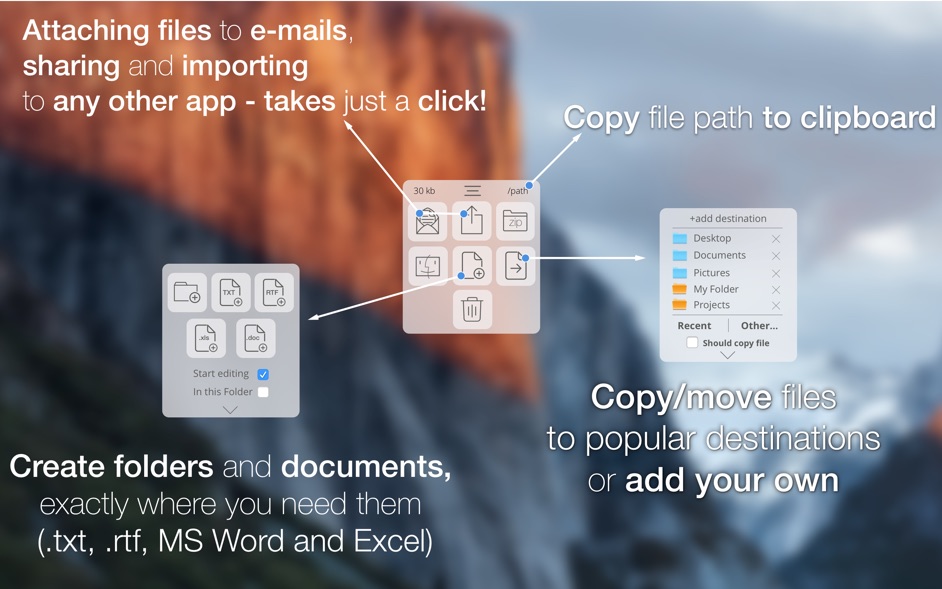
FilePane is a lightweight, versatile multi-tool for quick file management. It provides quick access to a variety of tasks like resizing of...
- Intel, 64-bit processor
- macOS 13.5 or later
Description
FilePane is a lightweight, versatile multi-tool for quick file management. It provides quick access to a variety of tasks like resizing of images, setting the Desktop picture, showing file
size
, copying a file’s path to the clipboard, converting text documents to PDF, moving and sharing files, images, and text via AirDrop, Twitter/Facebook, etc.
How it works :
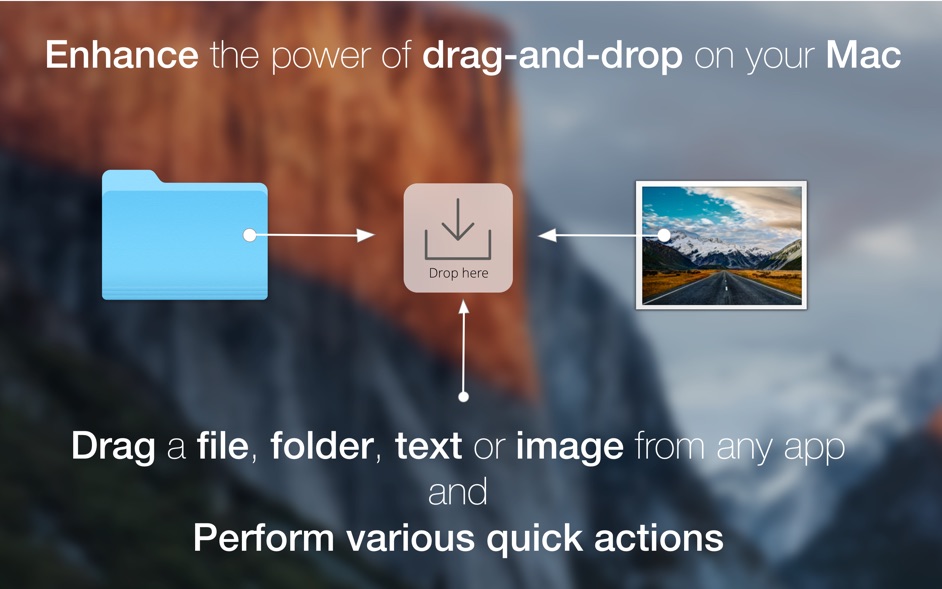
• Just start dragging file(s), text, or image(s) across the screen to see the FilePane “drop” panel. Now drop the item(s) on it.
• The app detects the file type and shows quick actions associated with the item(s) you’ve just dropped.
By default, FilePane is triggered on drag-and-drop, but you can change this for a hotkey in preferences.
FilePane is not bound to Finder only, but works with other apps like Safari, mail clients, and text editors.
WHAT’S NEW
Version 2.0.11:
• Release notes were unavailable when this listing was updated.
REQUIREMENTS
• Intel, 64-bit processor
• macOS 13.5 or later
ScreenShots
If you are using Adblocker!! Please support this website by adding us to your whitelist. Ads are what helps us bring you premium content! Or read this to know how you can support us. Thank you!
•
Size
– 12.4MB
Previous Versions






Screenshots