Duplicate Manager Pro
Duplicate Manager Pro quickly and effectively cleans up your Mac from the duplicates and keeps your precious time! Ease to use and...
- Intel, 64-bit processor
- OS X 10.9 or later
Description
Duplicate Manager Pro quickly and effectively cleans up your Mac from the duplicates and keeps your precious time! Ease to use and operation speed these are the basic principles in the app concept.
Why It’s for You
• Pre-installed scan jobs.
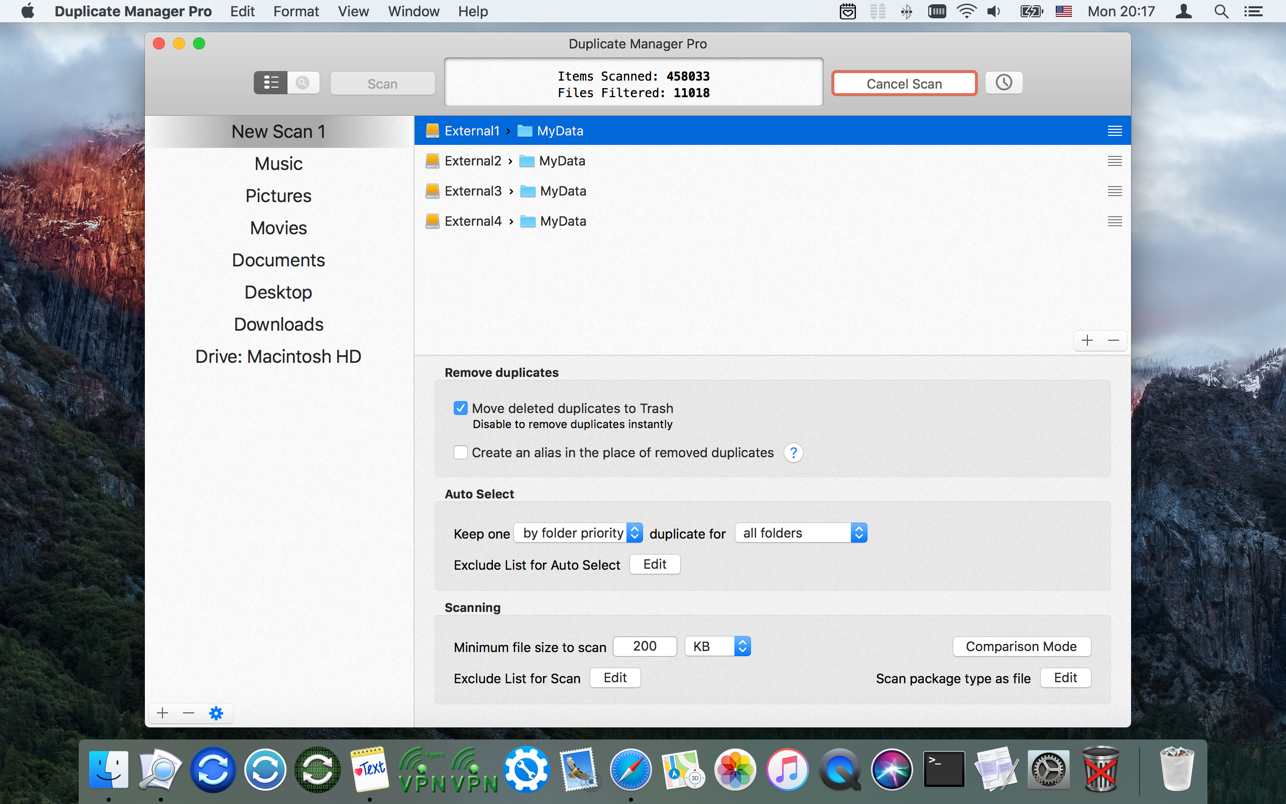
• Automatically scans on a schedule any number of scan jobs. The app scans folders when you don’t use Mac. Don’t spend your time on the scan process. Work with the scan results at any convenient time for you!
• Automatically selects REALLY all duplicates. Don’t spend your time on manual selection!
• The ability to set the folder priority and define which folder will keep the original.
• Keeps one original for all scan folders.
• Keeps one original in each scan folder.
• Multi-variance of the auto selection.
• Works with external drives and network volumes.
• The app can save the scan results. You can quit the app and continue to work at any convenient time for you.
• The app saves all scan jobs settings. Don’t spend your time to change settings for each scan job every time. Set all scan jobs settings one time!
• Your time is the most precious that you have! We care about your time.
For the Most Exacting Professionals
• modes of finding files:
• find duplicate files
• find large files
• modes of file comparison by:
• content (Checksum SHA1)
• content and name
• name, date and
size
• name and date
• name
• large files
• large files grouped by name
• Optimized to work with huge volumes of files. The minimum memory usage.
• Automatic scheduled scan every day, every week, or once at the scheduled time.
• Advanced search for duplicate groups and items of the selected group (name contains, name begins, path contains, path and name contains, …).
• Sorting for duplicate groups and items of the selected group.
• The settings for each scan job:
• Move duplicates to the Trash or remove them permanently.
• The ability to create an alias in the place of removed duplicates.
• Minimum file
size
to scan.
• Editable exclusion list for files




Screenshots