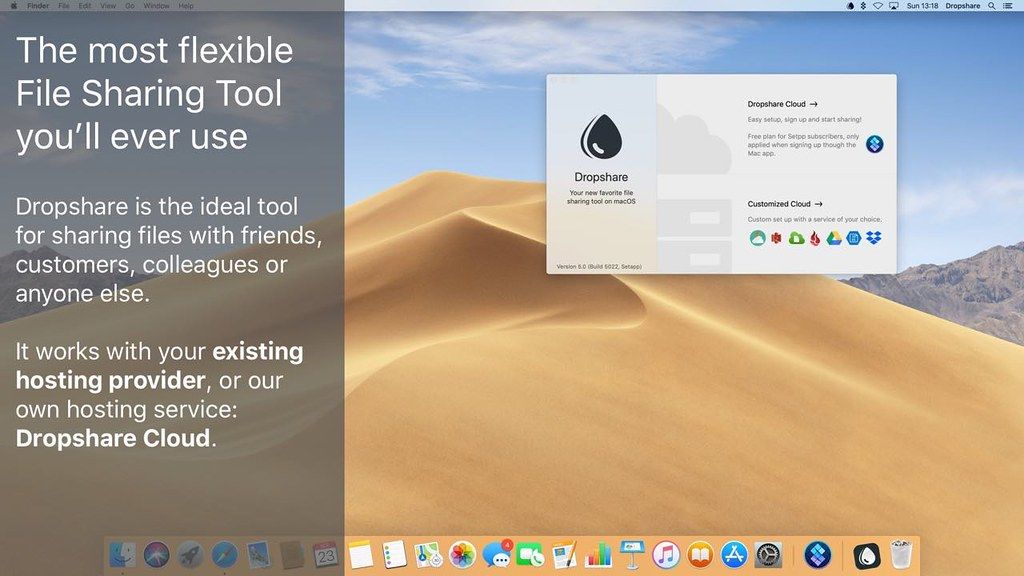
Dropshare
Dropshare is your very own secure file sharing tool. Dropshare is a menu bar app that enables you to drag & drop upload files, screenshots...
- Intel, 64-bit processor
- macOS 12.3 or later
Description
Dropshare is your very own secure file sharing tool. Dropshare is a menu bar app that enables you to drag & drop upload files,
screenshots
and even directories to your own server to share them with anyone you like. No longer have your shared files on servers provided by companies you don’t even know – easily set up Dropshare and share whatever file you like by only drag&dropping it on the menubar icon, securely saved on your own server.
To have Dropshare working correctly, you have to have a server of your choice and a working SSH user account at your disposal. Dropshare works with Secure Copy (SCP over SSH), therefore either a password (for keyboard authentication) or a private key (for public key authentication) is required.
Features:
• Easy file sharing with your own server
• Login (SCP over SSH) via password (keyboard authentication) or private key (public key authentication)
• Uploads every file and even directories (which will be compressed prior uploading)
• Optionally automatically uploads
screenshots
taken with OS X and copies the sharing URL to your clipboard
• History of recent uploads including preview images in the drop down menu
WHAT’S NEW
Version 6.15:
• Release notes were unavailable when this listing was updated.
REQUIREMENTS
• Intel, 64-bit processor
• macOS 12.3 or later
ScreenShots
If you are using Adblocker!! Please support this website by adding us to your whitelist. Ads are what helps us bring you premium content! Or read this to know how you can support us. Thank you!
•
Size
– 45.4MB
Previous Versions






Screenshots