CodeKit
CodeKit helps you build websites faster and better. Compile Everything: Process Less, Sass, Stylus, Jade, Haml, Slim, CoffeeScript, Javascript...
Description
CodeKit helps you build websites faster and better.
Compile Everything:
Process Less, Sass, Stylus, Jade, Haml, Slim, CoffeeScript, Javascript and Compass files automatically each time you save. Easily set options for each language.
Live Browser Reloads:
Instantly see changes in your browser, with animation and without hitting the refresh button or installing plugins. Great for tweaking layouts!
Combine & Minify:
Reduce load times by mashing Javascript & CoffeeScript files together and then minifying with Uglify.js. It’s so easy, you’ll giggle like a schoolgirl. Seriously.
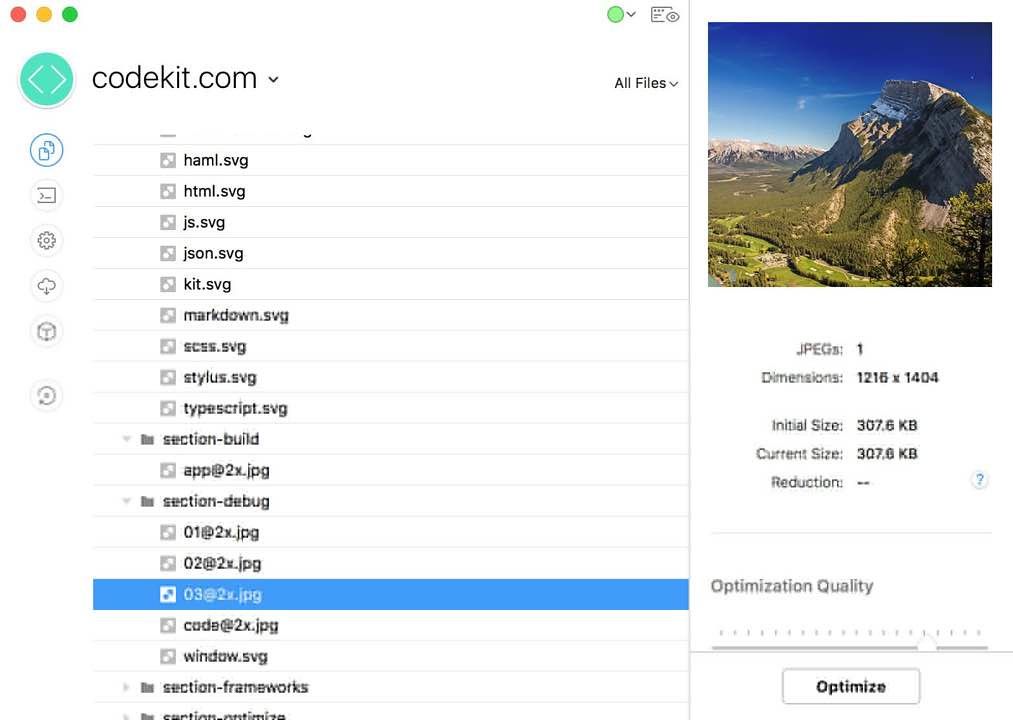
Optimize Images:
Losslessly reduce JPEG and PNG file
size
s with one click and see the savings. One less thing to do at deployment. (More compression options coming soon!)
JSHint & JSLint:
Makes debugging scripts fun and easy. Instantly find that one hanging comma that kills IE, or enforce coding styles and best practices across teams.
Team Collaboration:
Sync project settings across teams and computers in an open JSON format. Keep everyone on the same page or easily jumpstart new sites.
Easy Frameworks:
Keep just one copy of a file on your drive and easily use it across many projects without worrying about file paths. No more copying files into every new site.
It Just Works:
There’s nothing to install or configure. No mucking around the command line. Just run the app and start working. It’s that easy.
WHAT’S NEW
Version 3.6:
Efficiency improvements
• CodeKit now uses 72% fewer CPU cycles to do the same amount of work. Better battery life, cooler laptops.
• All processing tasks are also 11% faster, on average.
• The Quiet Keyword
• You can now automatically silence warnings for imported JavaScript and CoffeeScript files using a keyword:
• //@codekit-prepend quiet ‘jquery.js’;
• (This is the same as unchecking the shield checkbox in the UI.)
Importing Skipped Items
• You can now use @codekit-prepend and @codekit-append statements to import any file on disk, even if it’s in a Ski






Screenshots