Capture Gif
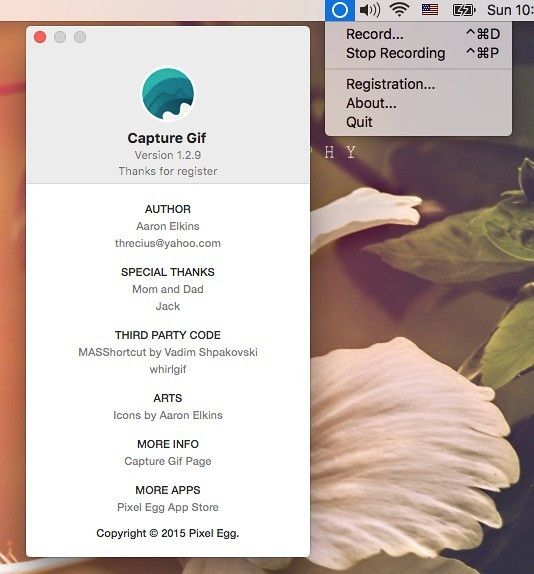
With Capture Gif 1.4.2, you can easily record your entire screen or just an area as an animated GIF image. Capture Gif has support for multiple...
Description
With Capture Gif , you can easily record your entire screen or just an area as an animated GIF image. Capture Gif has support for multiple displays, is Retina-ready, and always generates clear GIF images.
Features
• Record any connected display
• Optionally capture the mouse cursor
• Can record OS X menu bar area (or anywhere on the screen!)
• Set a target FPS value
• Set delay time and loop count
• Preview GIFs instantly
• Always produces clear GIFs
• Generates newer version of GIF format (GIF89a)
• Customization key shortcuts for recording
• VoiceOver supports for special people
WHAT’S NEW
Version 1.4.2:
• [Bug fix] Region selection did not work in a recording if Esc had been pressed in the previous recording
REQUIREMENTS
• Intel, 64-bit processor
• OS X 10.7 or later
ScreenShots
:
If you are using Adblocker!! Please support this website by adding us to your whitelist. Ads are what helps us bring you premium content! Or read this to know how you can support us. Thank you!
Size
– 5.4MB
Related apps






Screenshots