Back-In-Time
Back-In-Time allows users to transcend Time Machine restoration possibilities. Back-In-Time offers an easy access to all the data backed up by Time...
Description
Back-In-Time allows users to transcend Time Machine restoration possibilities. Back-In-Time offers an easy access to all the data backed up by Time Machine.
Features that you can do with Back-In-Time only :
• Show how many versions of each document are available, and when they were saved.
• Show items that were deleted.
• Drag and Drop to copy items anywhere.
• Open multiple browsers at the same time.
• Handle multiple Time Machine disks.
• Access Time Machine data from other Macs.
• Preview different versions of each document.
• And much more…
WHAT’S NEW
Version 5.1.1:
About changes in macOS 10.15 Catalina :
• Applications are located in /Applications/ and in /System/Applications/.
• Data are stored in a separate volume in Time Machine data (For example “Macintosh HD – Data”).
• Note: You must explicitly allow access to your data and Time Machine disks. Open the System Preferences (Apple menu) and select “Security and Privacy”. In the “Privacy” tab, select “Full Disk Access” and add Back-In-Time.
Enhancements :
• Various minor enhancements and interface changes.
Corrections :
• Various minor corrections.
REQUIREMENTS
• Intel, 64-bit processor
• OS X 10.10 or later
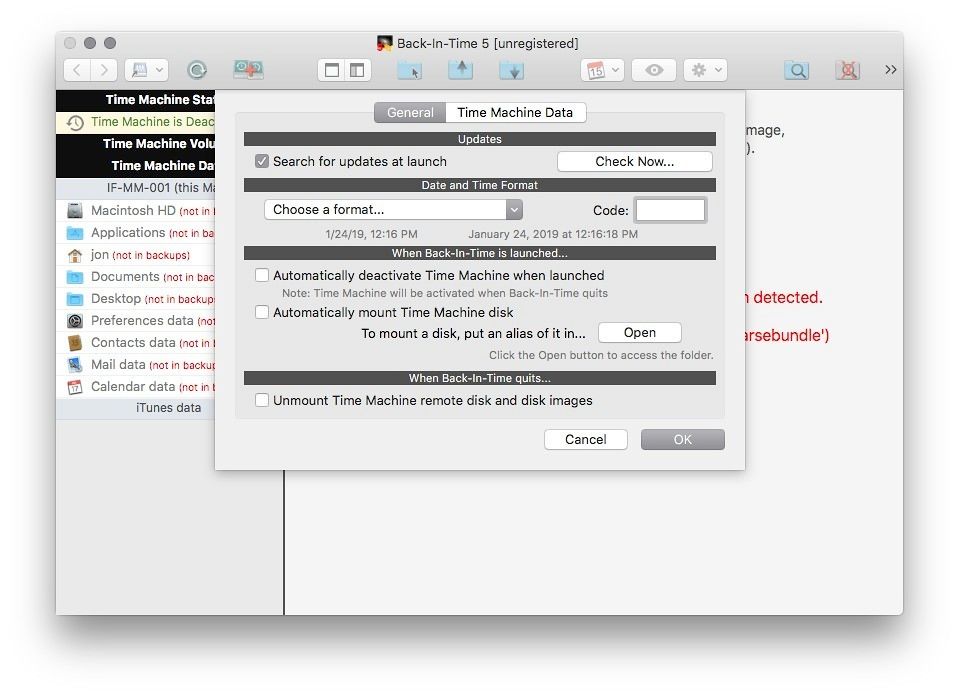
ScreenShots
:
If you are using Adblocker!! Please support this website by adding us to your whitelist. Ads are what helps us bring you premium content! Or read this to know how you can support us. Thank you!
Size
– 11.1MB
Previous Versions






Screenshots