Airmail
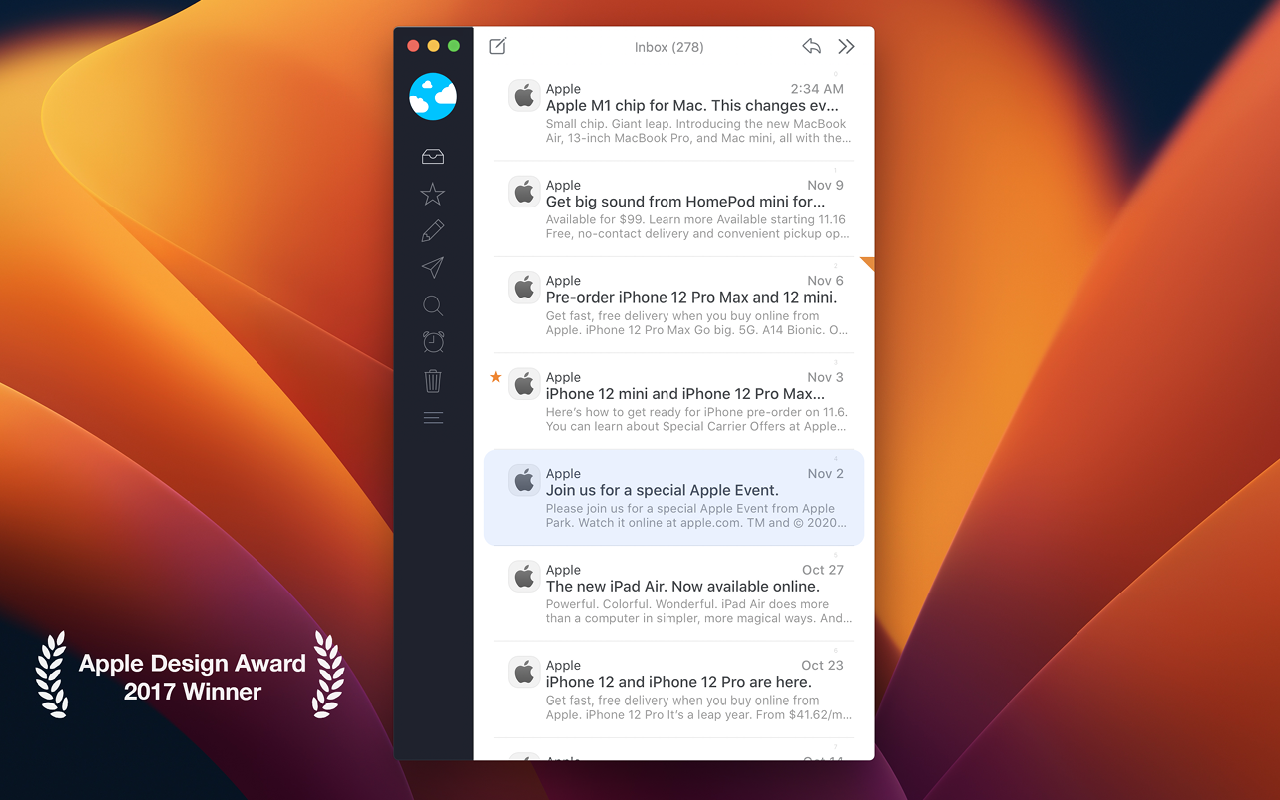
Airmail is an mail client with fast performance and intuitive interaction. Support for iCloud, MS Exchange, Gmail, Google Apps, IMAP, POP3...
- Intel, 64-bit processor
- macOS 14.6 or later
Description
Airmail is an mail client with fast performance and intuitive interaction. Support for iCloud, MS Exchange, Gmail, Google Apps, IMAP, POP3, Yahoo!, AOL, Outlook.com, Live.com.
Airmail was designed from the ground to retain the same experience with a single or multiple accounts and provide a quick, modern and easy-to-use user experience. Airmail is clean and allows you to get to your emails without interruption — it’s the mail client for the 21st century.
We have taken usability and function to the next level with Airmail and bring a striking-design with support for all major email services. Switch between accounts like a breeze and quick reply to incoming messages within seconds — email has never been so easy and productive.
WHAT’S NEW
Version 26.0.37:
•
Bugfix
REQUIREMENTS
• Intel, 64-bit processor
• macOS 14.6 or later
ScreenShots
If you are using Adblocker!! Please support this website by adding us to your whitelist. Ads are what helps us bring you premium content! Or read this to know how you can support us. Thank you!
•
Size
– 46.3MB
Previous Versions
Editor-checked details
Best for Apple users wanting customization, unified multi-account mail and workflow actions. Compare Mimestream for Gmail-native behavior or Canary Mail for another privacy-focused option. Checked against official help and App Store
Pros
- Handles Gmail, iCloud, IMAP, POP3 and Exchange in a unified inbox.
- Rich rules, snooze, custom actions and integrations.
- Apple silicon support plus older Intel compatibility.
Cons
- Pro is subscription-based and free use is limited to one account.
- Current build has a high macOS requirement.
- Rules, plug-ins and multi-account sync require configuration.
Installation steps
- Installation steps:
- Install, add accounts, and prefer OAuth for Google/Microsoft.
- Allow notifications/background activity as needed and review settings before iCloud sync.
Uninstallation steps
- Save custom rules, signatures and aliases first.
- Quit Airmail and move it to Trash.
- A simple reinstall keeps preferences; a clean reset removes local data and re-downloads mail.
- Uninstalling does not cancel the App Store subscription.
Common errors and fixes
- No sync after sleep: enable Wake for network access/background activity and check refresh interval and OAuth.
- Persistent issue: Clear Message Cache; server mail is not deleted.
- No notifications: ensure mail remains in Inbox and check notification/badge settings.
- Credential error: use app-specific passwords where required; VPN/proxy may block access.
What changed in this version
- No verifiable itemized 26.0.34 note is public. Record version/SHA-256 and retest IMAP/Exchange sign-in, send/receive, attachments, search, rules, notifications, privacy loading and multi-account sync.






Alternatives



Screenshots